AI furniture removal
Empty any room in seconds.
Dated furniture and clutter distract buyers from the space they're actually buying. Upload a photo and get back a clean, empty room in about 20 seconds, ready to list or restage.
First image free · About 20 seconds · From $0.99 per image
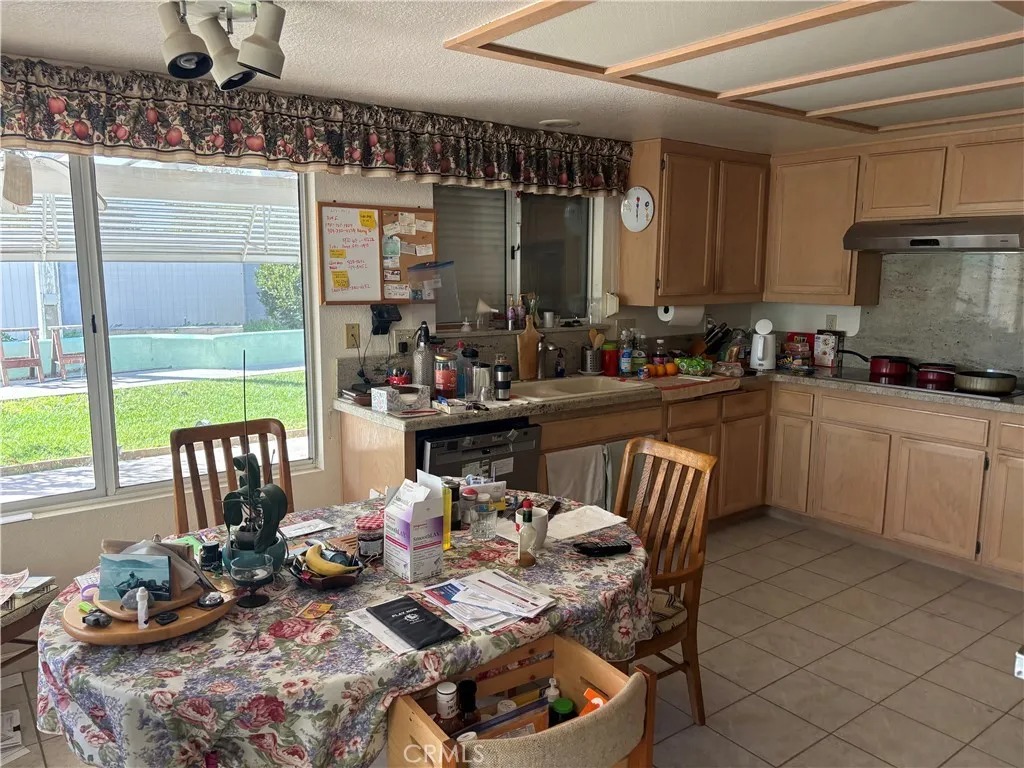
What it is
Digital decluttering, without moving a thing.
AI furniture removal digitally erases furniture, décor, and personal belongings from a room photo and fills in the floors and walls behind them, leaving a clean, empty space.
It keeps the camera angle, walls, windows, and lighting as photographed, so the result still shows the real room, just without the old contents.
Commonly used for
Why it matters
Show the space, not the stuff.
Let buyers see the room
Without someone else's furniture in the way, buyers focus on size, light, and layout.
A clean base for restaging
Remove dated pieces first, then virtually stage the room in a modern style.
No movers, no waiting
Skip clearing the house or waiting on an editing service. Results arrive in about 20 seconds.
How it works
Three steps, about 20 seconds.
- 01
Upload a furnished photo
Any room photo in JPG, PNG, or WEBP, from a phone or a pro camera.
- 02
AI removes the contents
Furniture, décor, and clutter are removed and the floors and walls filled in.
- 03
Download or restage
Download the empty room in 2K or 4K, or stage it in a new style.
Compared
Faster than editing services. Easier than moving furniture.
| AI Furniture Removal | Manual photo editing | Physically emptying the room | |
|---|---|---|---|
| Turnaround | About 20 seconds | Often a day or more | Days of moving and storage |
| Cost | From $0.99 per image | Per-image editing fees | Movers, storage, and time |
| Changes | Regenerate in seconds | Request another round | Not practical |
| Best for | Fast listing prep and restaging | Complex, high-touch retouching | Homes being vacated anyway |
Best results
Getting a clean result.
Shoot in good light
Bright, even light gives the AI the most detail to rebuild floors and walls.
Keep the camera level
Straight verticals make the empty room look natural and are easier to restage.
Start with lighter clutter
Rooms with a few large pieces usually clean up better than rooms packed wall to wall.
Disclose edited photos
Removing furniture changes how a room looks, so disclose it where your MLS or state requires.
FAQ
Questions, answered.
Most rooms are processed in about 20 seconds.
Yes. Clear, well-lit photos from a smartphone or a DSLR both work. The better the photo, the cleaner the result.
Yes. Results download as high-resolution JPGs (2K or 4K) that work well for MLS listings and marketing. Remember to disclose edited photos where your MLS requires it.
Yes. Download the empty room and run it through virtual staging to furnish it in any of nine styles. Each step uses one credit.
You can regenerate the image to get a new version. Each run uses one credit.
Your first image is free. After that, one-time credit packs cost $19 for 10 images, $49 for 30, or $99 for 100 ($0.99–$1.90 per image), and the same credits work across every tool. No subscription, and credits never expire.
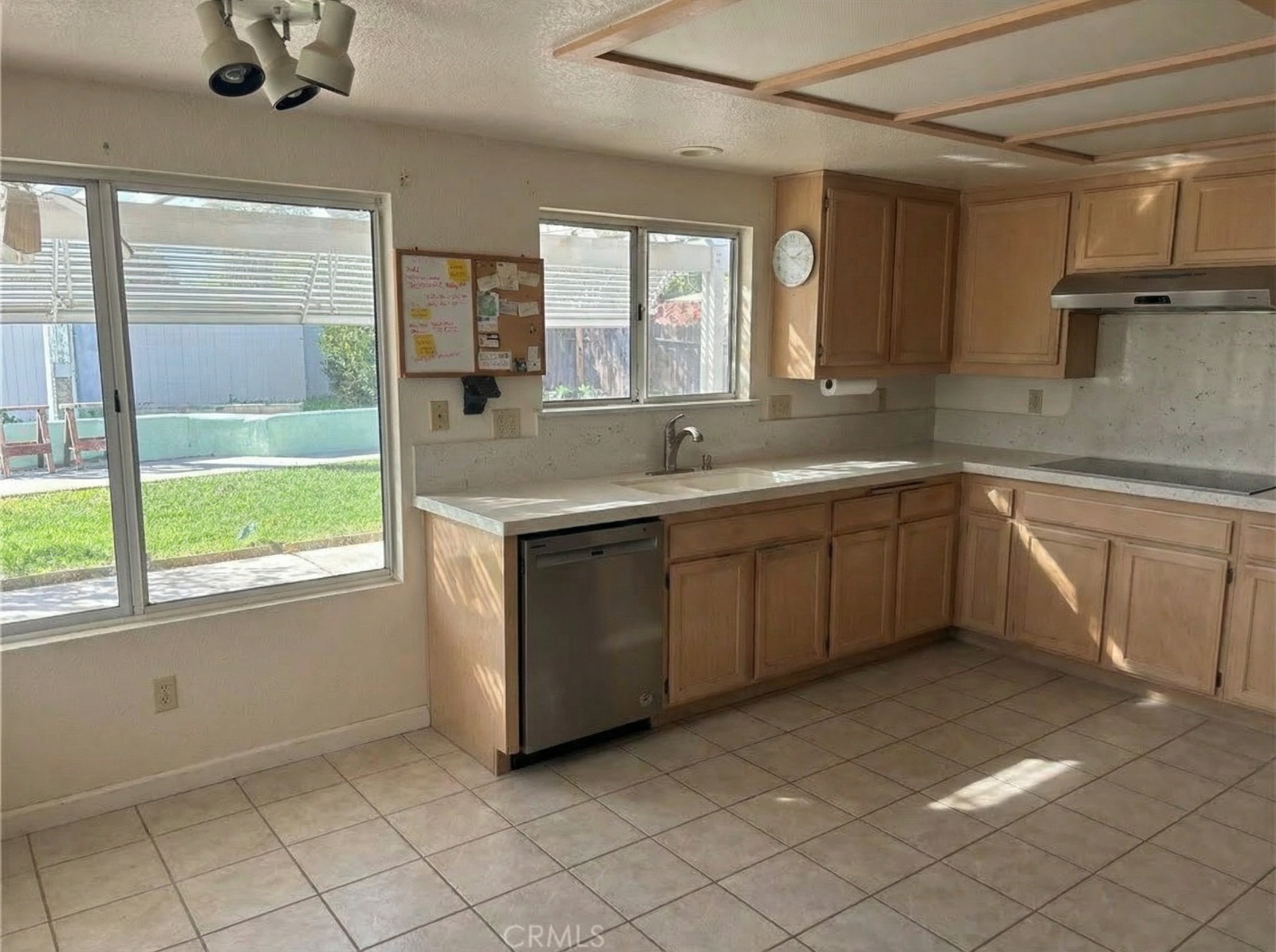
Clear the room. Keep the listing moving.
Upload a photo and see the result in about 20 seconds. Your first image is free.
Remove furnitureRelated: Photographing rooms for staging · Virtual staging mistakes