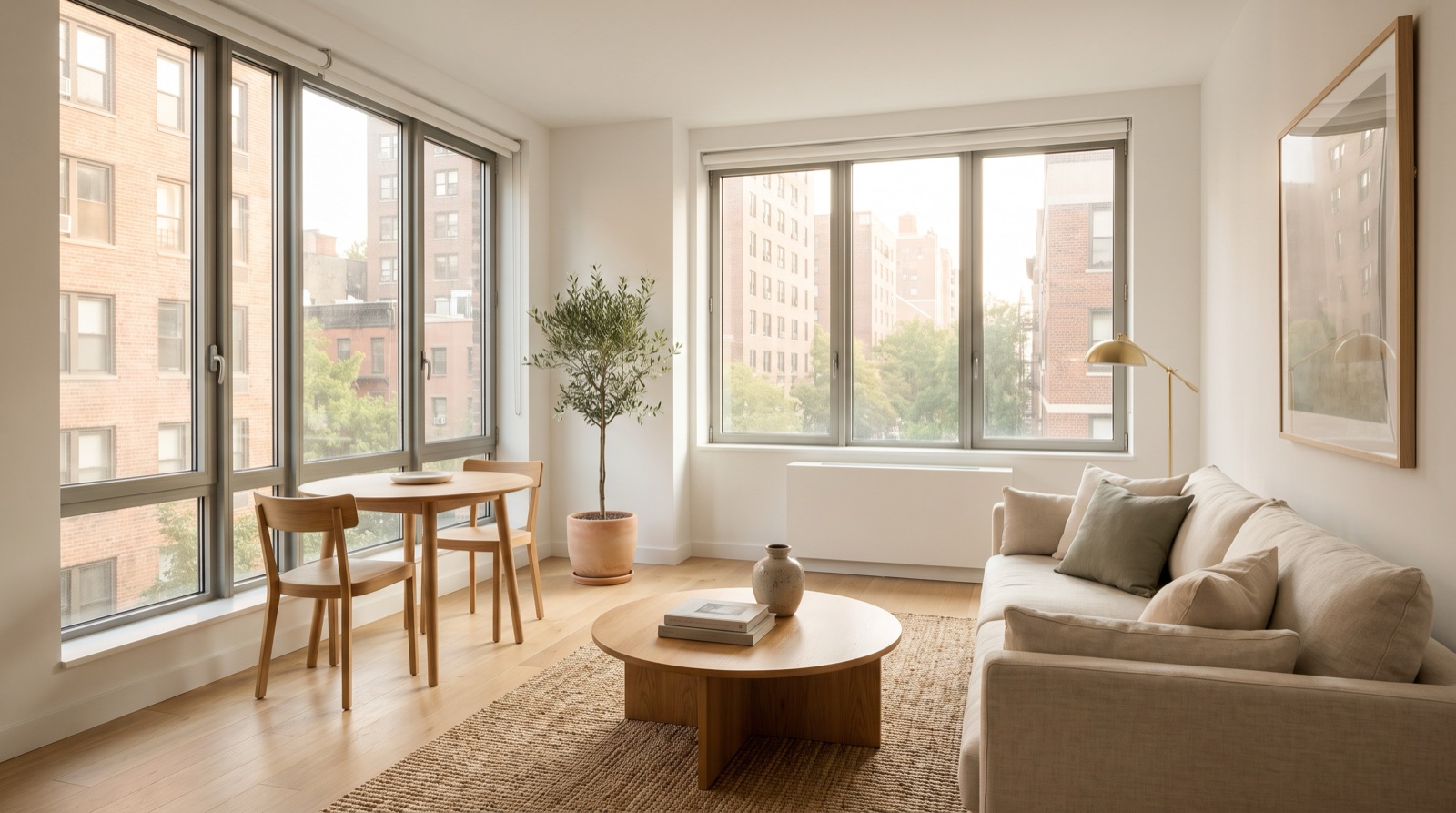
How to Virtually Stage an Occupied Home: Declutter, Remove Furniture, and Restage
Most homes go on the market while someone still lives in them. The furniture is dated, the counters are full, and the sellers can't move everything out before photos. Virtual staging can still help, but occupied homes need a different approach than empty ones: declutter first, remove what can't be moved, then restage, and disclose every edit.
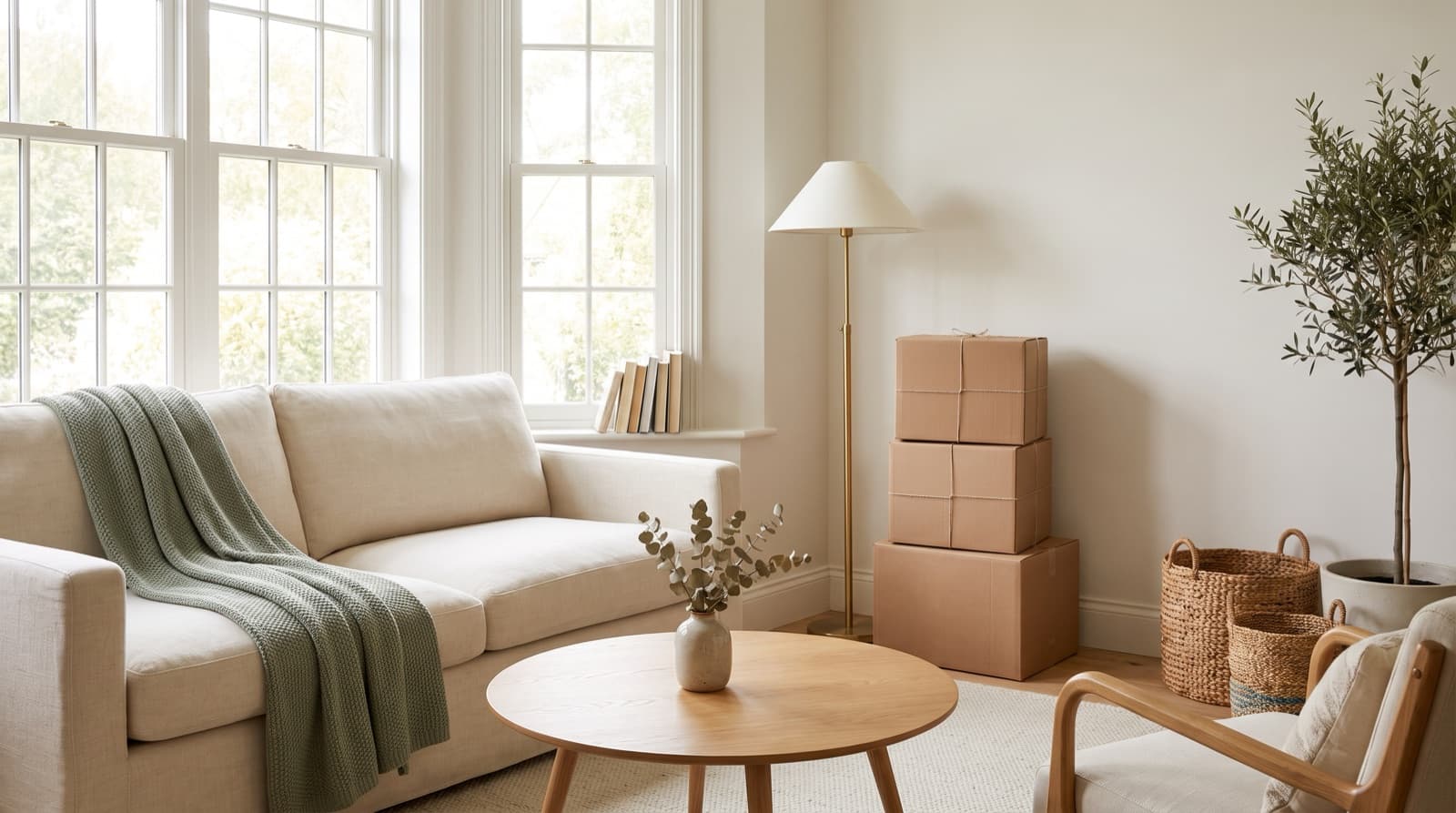
Step 1: Declutter in Person First
Editing should finish the job, not replace it. A real tidy-up before the photographer arrives makes every later step look more natural, and it's free. Prioritize:
- Kitchen counters: clear everything except one or two decorative items.
- Personal items: family photos, kids' artwork, mail, documents, and anything with names or addresses.
- Valuables and security details: jewelry, electronics, keys, and alarm panels shouldn't be visible in public photos.
- Bathrooms: toiletries, towels, and cleaning products out of sight.
- Floors and corners: pet items, cords, laundry, and extra furniture that makes rooms feel small.
Send sellers a short prep note before the shoot:
Step 2: Choose Your Approach
Not every occupied home needs the full treatment. Pick the lightest option that solves the problem:
| Approach | Use it when | What it takes |
|---|---|---|
| Declutter only | The home is well furnished and the furniture suits the buyer. | Physical tidy-up, no editing |
| Remove furniture | Dated or heavy furniture distracts, and you want to show the room's true size. | Furniture removal (1 credit per photo) |
| Remove and restage | The furniture is dated, and the room would look better furnished in a modern style. | Furniture removal + virtual staging (2 credits per photo) |
Step 3: Remove, Then Restage
For rooms that need the full treatment, the process has two edits: first AI furniture removal clears the room digitally, then virtual staging furnishes it in a fresh style. Here's the full sequence on a living room and a kitchen:
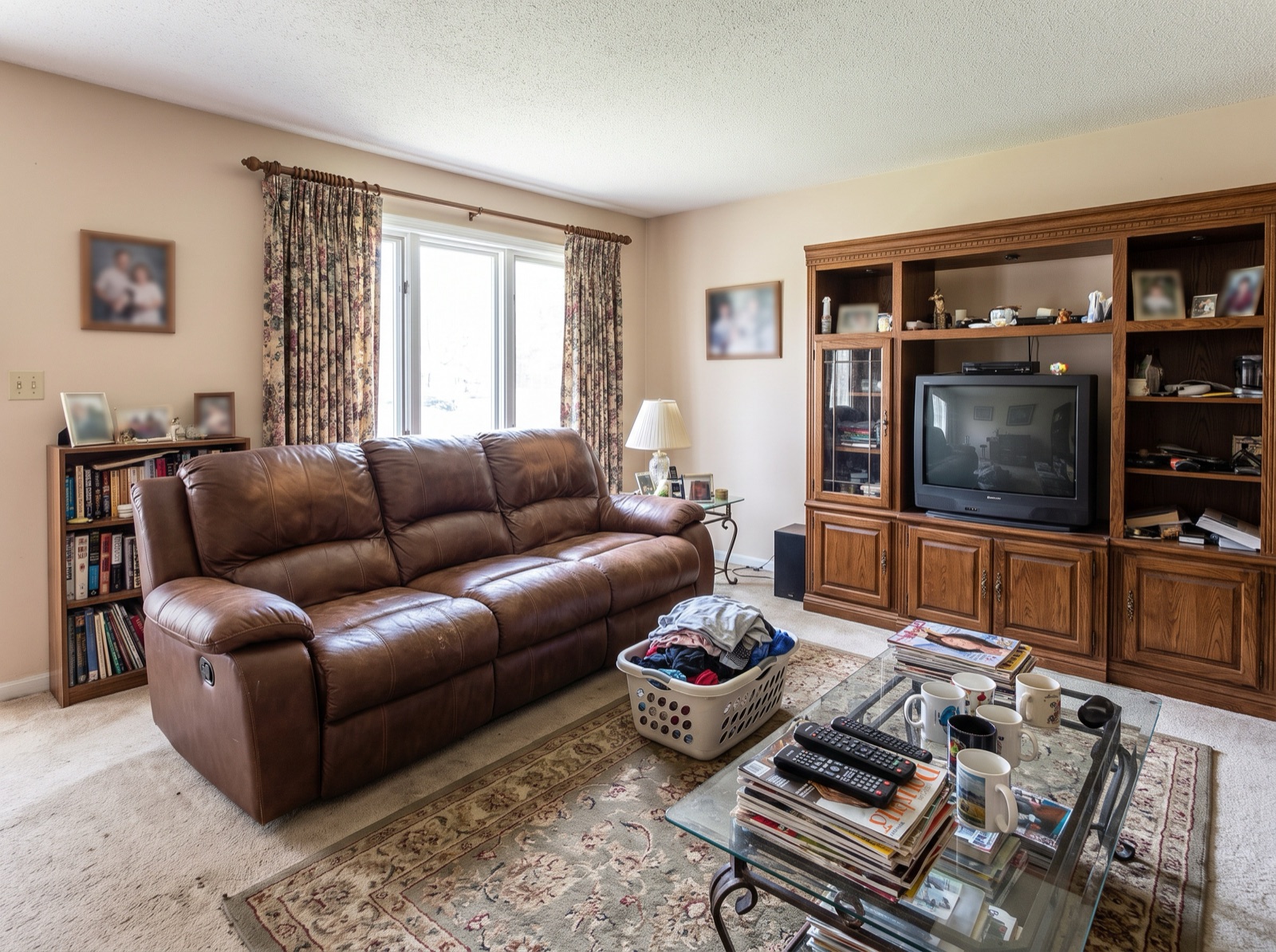
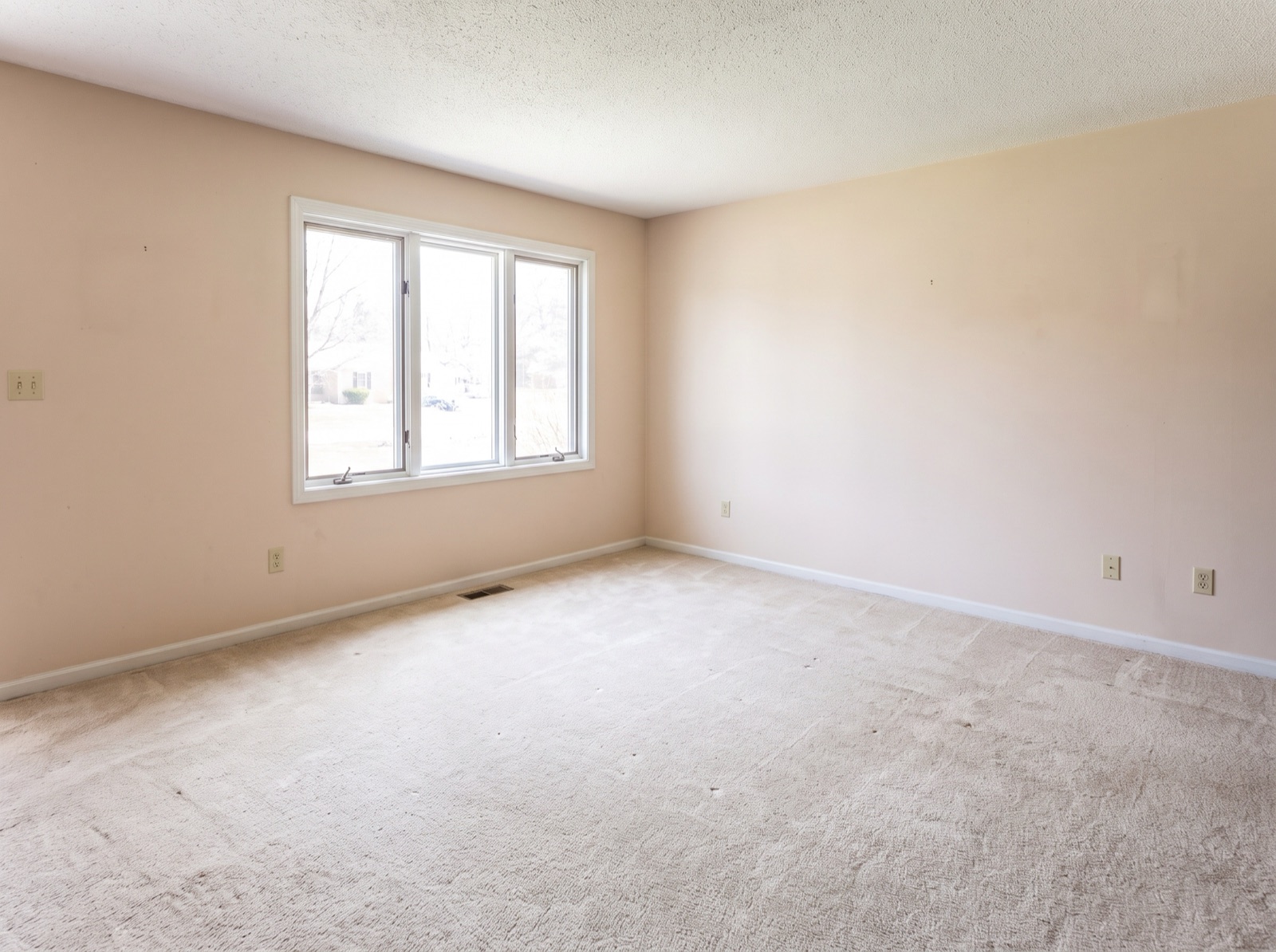
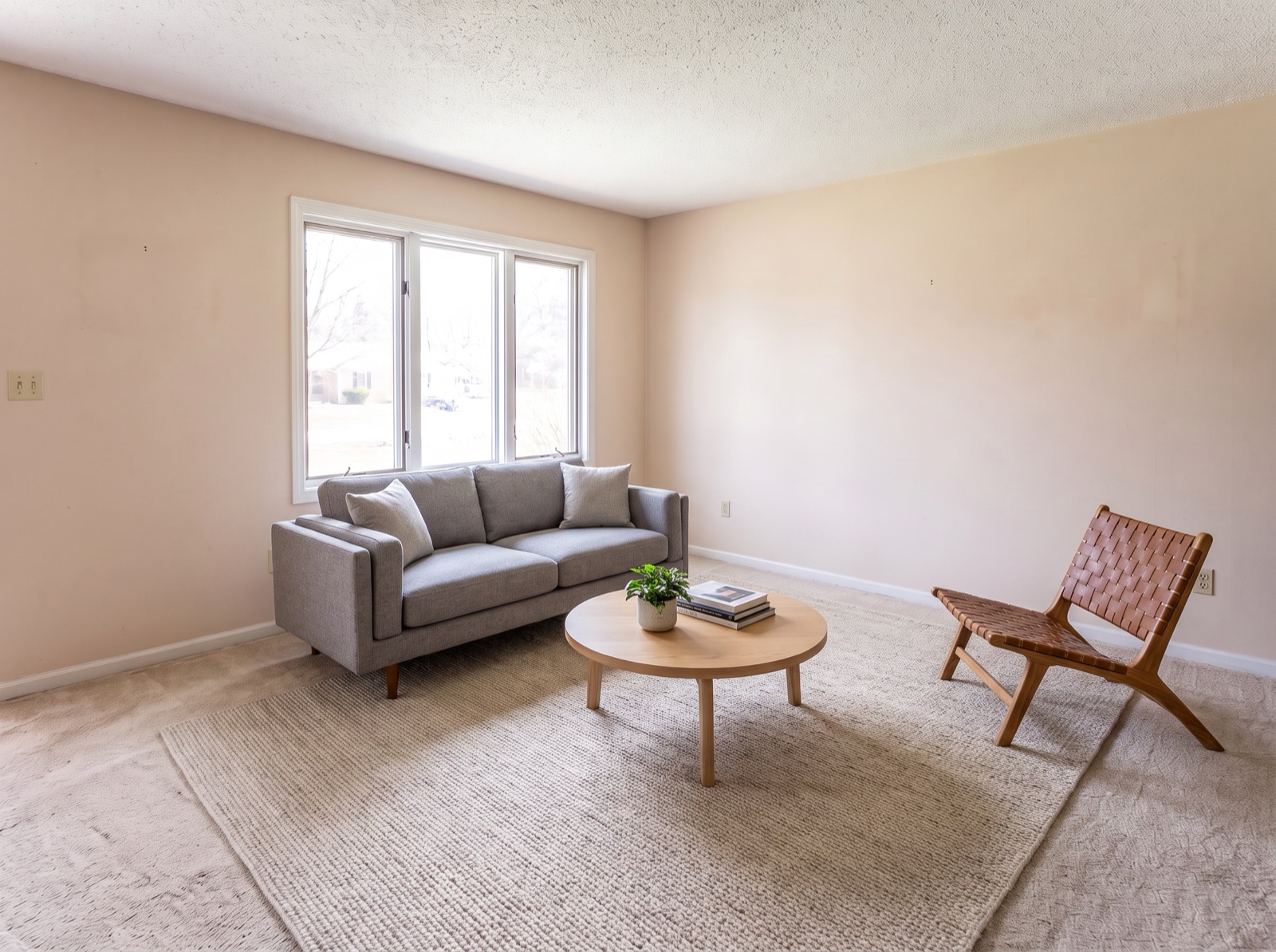
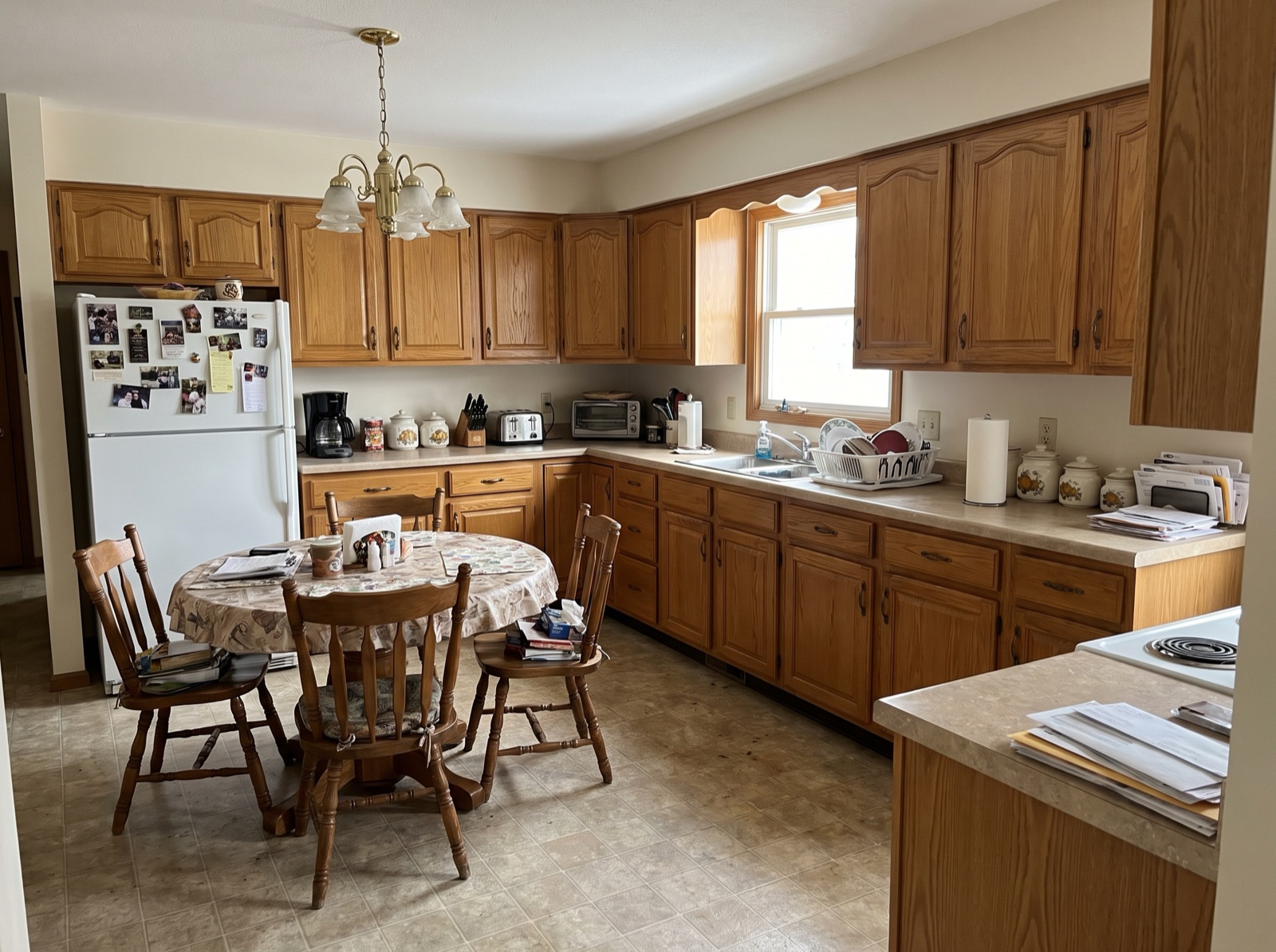
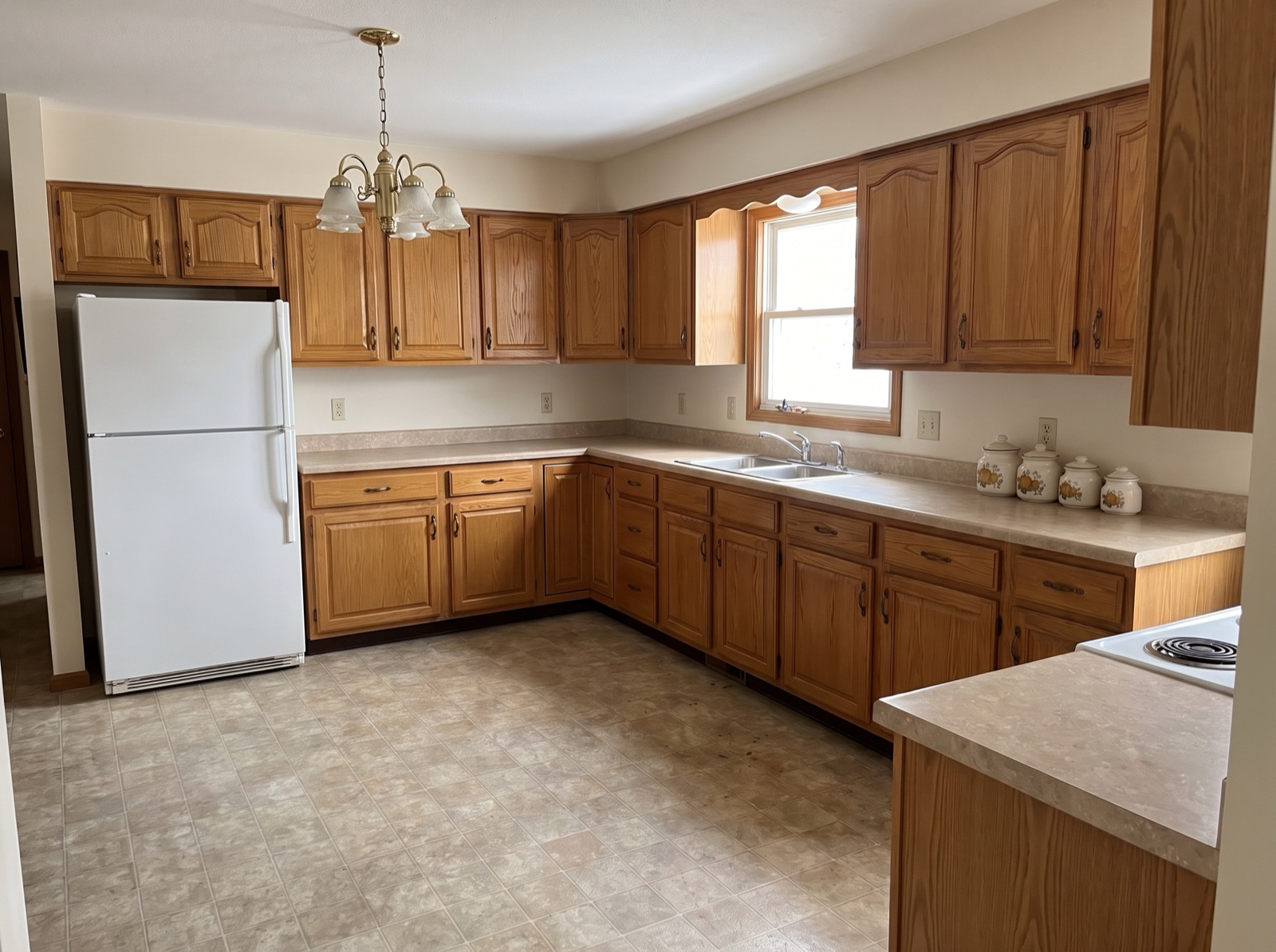
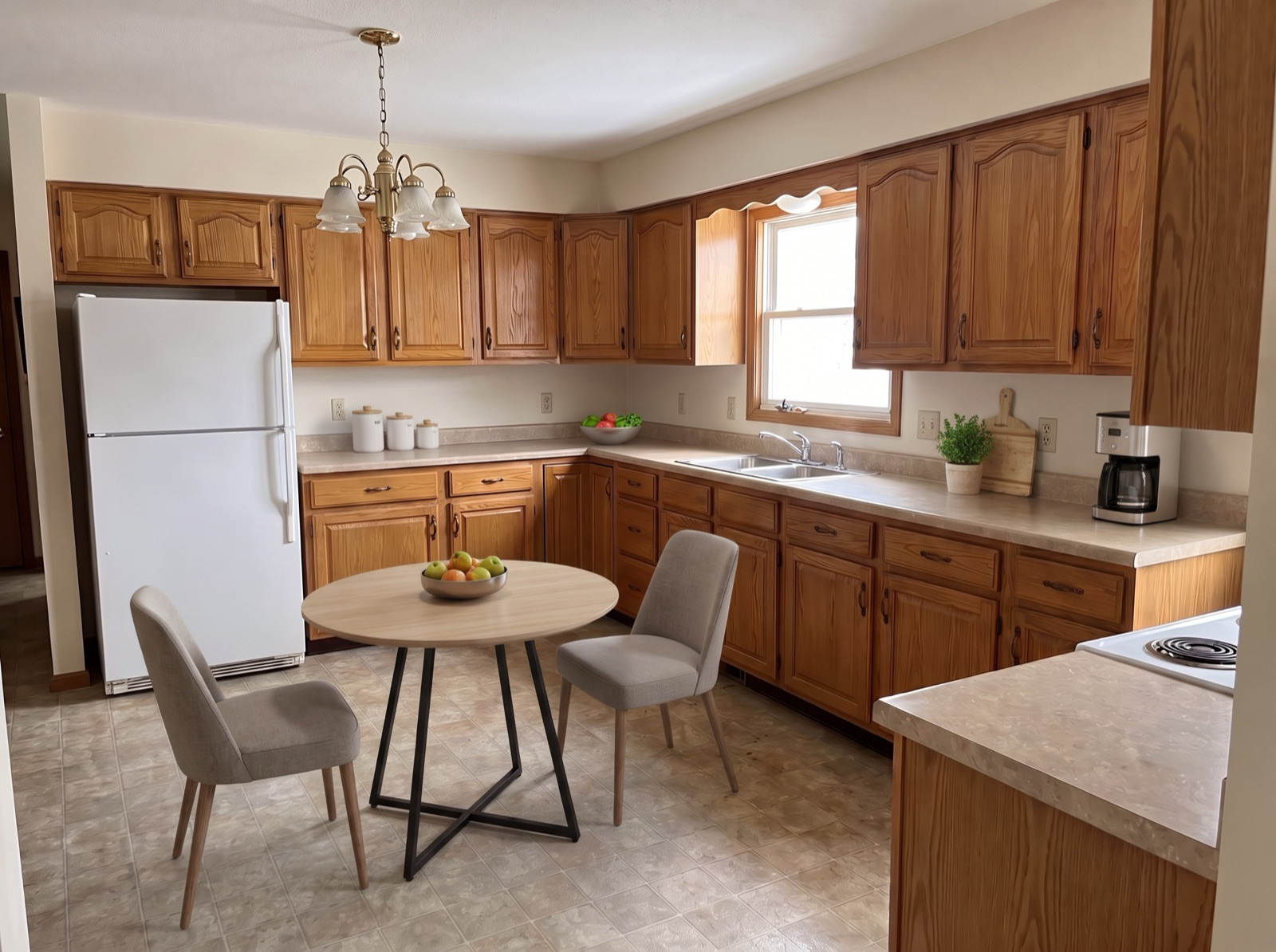
When you restage, use the instructions box to keep the AI focused on movable furniture. For kitchens and other rooms with built-ins, something like this works well:
Step 4: Review Every Result Carefully
Occupied rooms are harder for AI than empty ones, so check each result before you use it. The most important check: did the AI add or remove anything permanent? AI staging occasionally invents things that aren't there; in our own testing it once added a kitchen island to a kitchen that doesn't have one. That version would have misrepresented the home. Regenerating with an instruction like the one above (“do not add a kitchen island, cabinets, or counters”) fixed it.
Also check that:
- Nothing personal survived: photos, mail, and names are gone.
- No ghosts remain: leftover shadows, rug outlines, or half-removed objects.
- The floor is believable where furniture used to be.
- Furniture is to scale and the lighting matches the windows.
What You Should Never Change
Removing a seller's sofa is fine. Changing the property itself is not. Keep these exactly as they are:
Step 5: Label and Disclose
Both furniture removal and restaging change how the room looks, so disclose them. Download with the “Virtually Staged” label, keep the originals, and add a line to the listing. In California, AB 723 also requires a link to the original image for digitally altered listing photos.
More wording for photos, social posts, and flyers is in our disclosure templates.
Tenant-Occupied Homes
Selling a home with tenants in it adds a layer of care. Check the lease and local law for notice requirements before entering to photograph, schedule the shoot with the tenant, and be especially thorough about removing personal items and anything that identifies them, in person or in editing. The tenant's furniture can be removed digitally, but the listing should make clear that the home is currently occupied if showings will be arranged around a tenant.
What It Costs
Removing furniture and restaging a room takes two edits, one credit each. At $0.99–$1.90 per credit, that's roughly $2–$4 per room, or about $8–$15 to fully transform the four rooms buyers look at most. Rooms that only need furniture removed cost half that.
Start With One Room
Pick the room that hurts the listing most, usually the living room or kitchen, and run it through removal and restaging. Your first image is free, so try it on your current listing and compare the result with the original.