Virtual Staging for Rental Properties: How to Fill Vacancies Faster
Every day a unit sits empty is rent you don't get back. Renters now make most of their decision online, and photos of bare, echoing rooms rarely make a unit stand out. Virtual staging lets property managers and landlords show how a vacant unit actually lives, without moving a single piece of furniture.
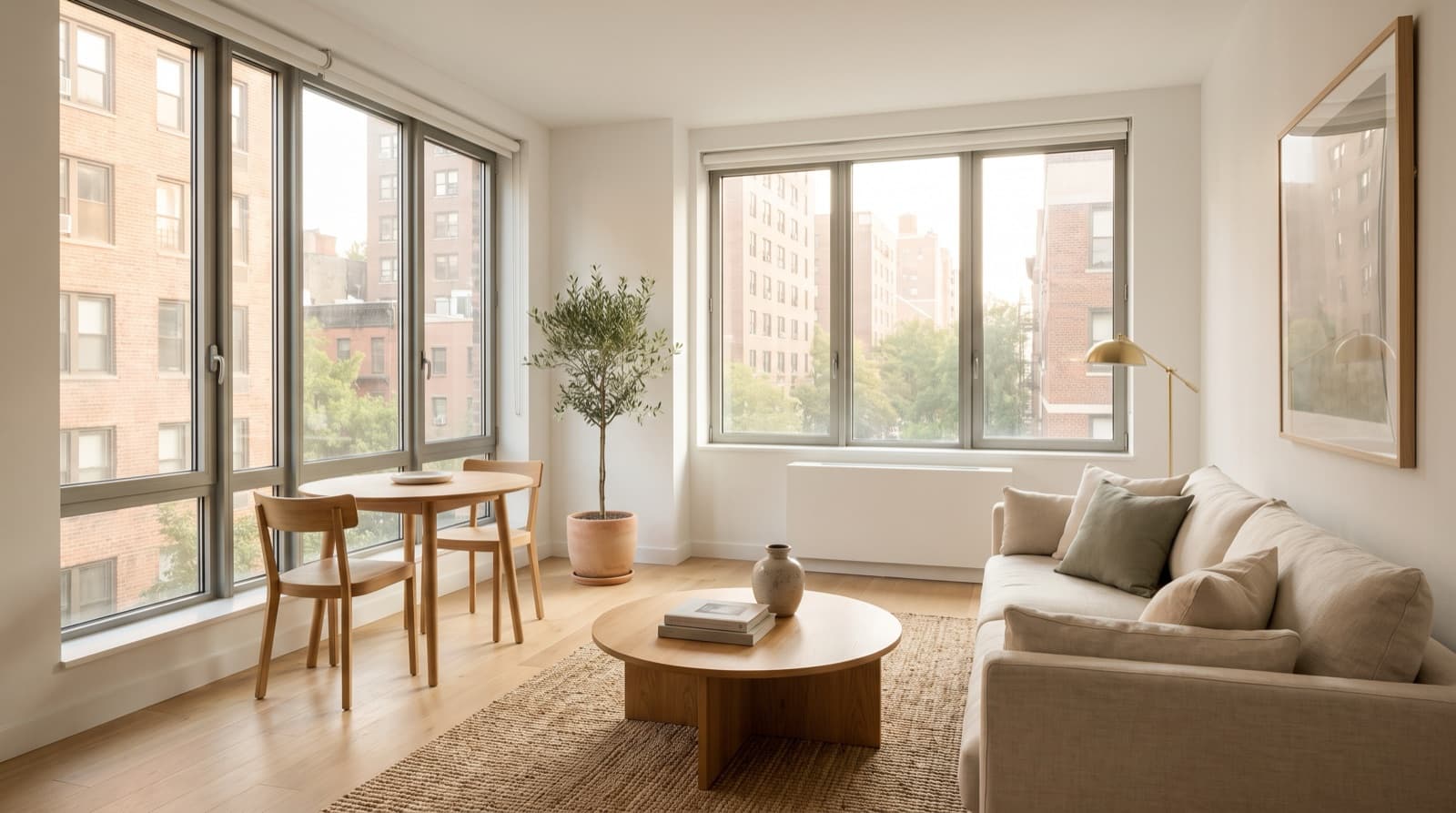
Why Empty Rental Photos Underperform
Photos are the first thing renters judge. In Zillow's Rentals Consumer Housing Trends Report 2025, 56% of renters said seeing pictures is essential in a listing, more than any other digital feature. Nearly one in five (19%) recent renters skipped touring a unit before renting, and the typical renter took only one in-person tour, so much of the decision happens before anyone visits.
Empty rooms work against you in that online decision in a few predictable ways:
- They look smaller. Without furniture for scale, a perfectly good bedroom can read as cramped, or a living room as an awkward empty box.
- Renters can't judge fit. Will a queen bed and a desk fit? Is there room for a sofa and a dining table? Empty photos leave those questions unanswered.
- They feel cold. Bare walls and floors make even a newly renovated unit look institutional next to furnished competitors.
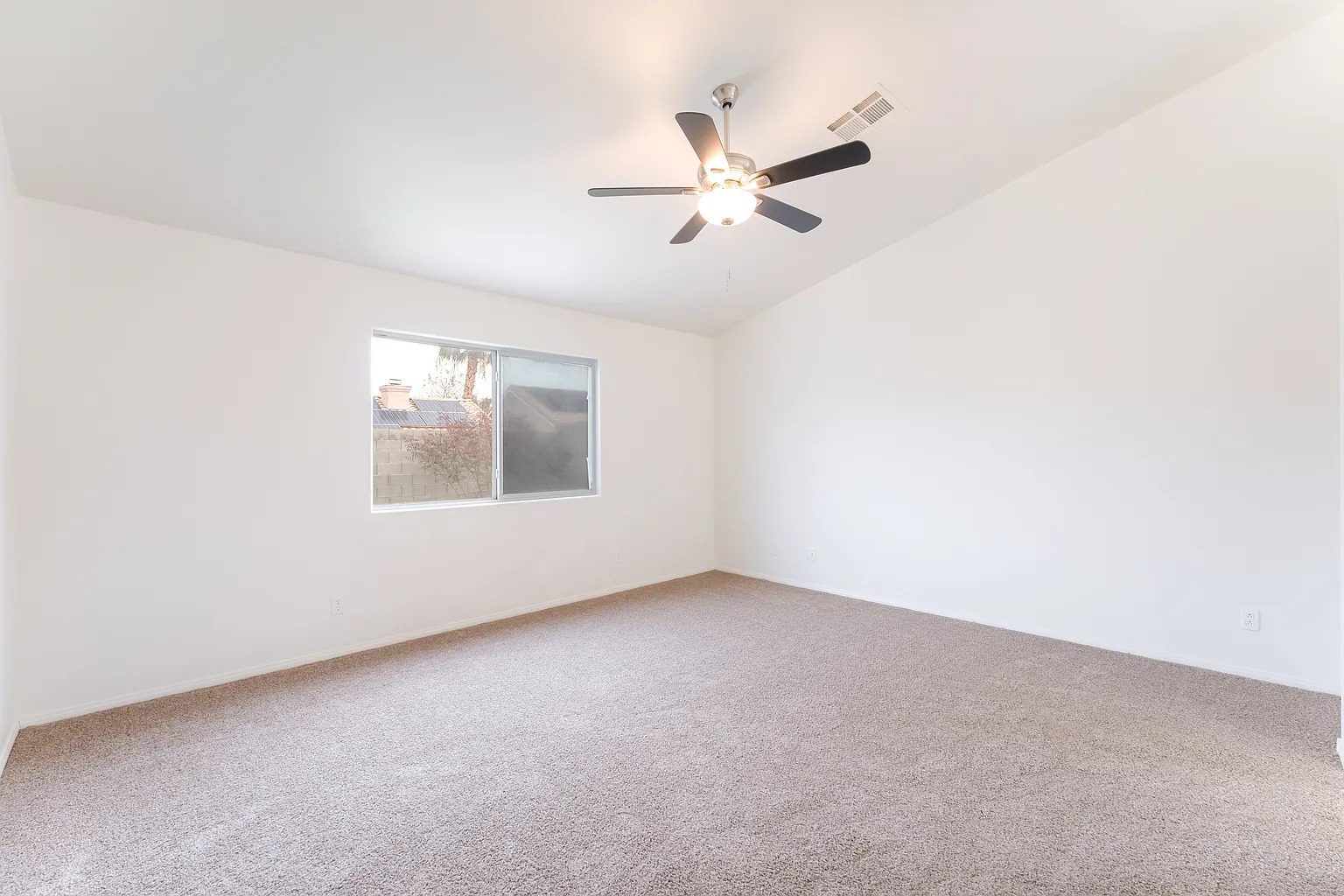
The Rental Twist: Renters Will See an Empty Unit
Rentals differ from sales in one important way: the renter is buying access to the space as it is, and most long-term rentals are offered unfurnished. That makes clear disclosure even more important. A renter who expects furniture and walks into an empty unit won't trust the rest of your listing.
- Say “unfurnished” plainly in the listing, near the top.
- Label every staged photo “Virtually Staged.”
- Include at least one empty photo of key rooms alongside the staged ones, so renters see both the possibility and the reality.
- Never stage what isn't there: no added appliances, washer-dryers, built-ins, or upgraded finishes.
Copy-and-paste wording for rental listings:
Some states and MLSs have specific rules for altered listing photos, such as California's AB 723 for property advertising, so check which rules apply to rental marketing in your area. Our disclosure templates have more wording for social posts, emails, and flyers.
When Virtual Staging Makes Sense for Rentals
Good fits
- Unfurnished units between tenants: the most common use, especially units that have been listed for a while.
- New construction and lease-ups: market units before model apartments are furnished.
- Studios and awkward layouts: staging shows where the bed, sofa, and table actually go.
- Small second bedrooms: show them as a home office or guest room so renters see a use.
Skip it for
- Furnished and short-term rentals: guests book based on the furniture they'll actually get, so photograph the real furnishings instead.
- Units with obvious condition issues: staging can't (and shouldn't) hide damage; fix it first.
Which Rooms to Stage in a Rental
You don't need to stage everything. Focus on the rooms renters judge first:
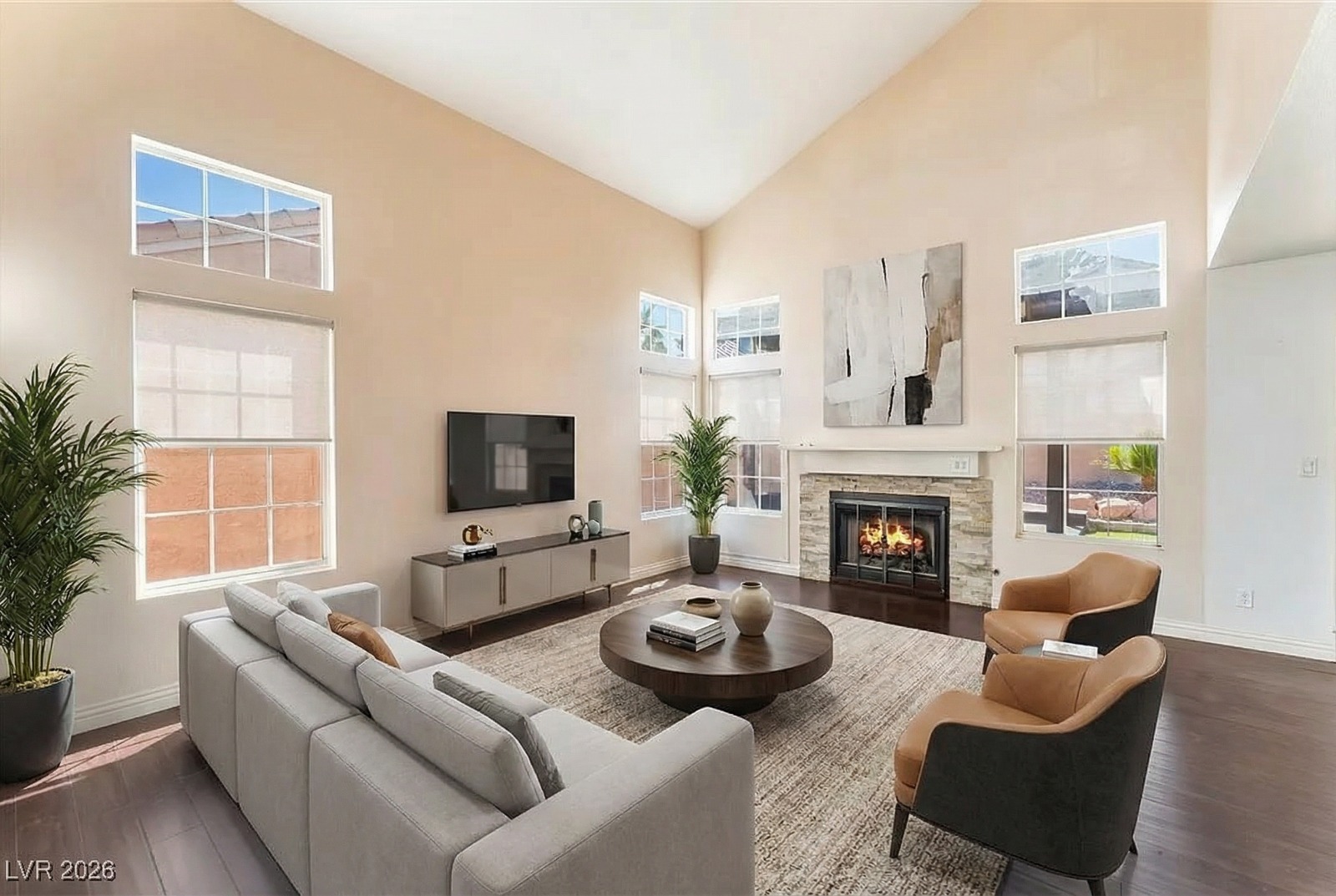
- Living area: the photo that sells the unit. Show seating and how the space flows.
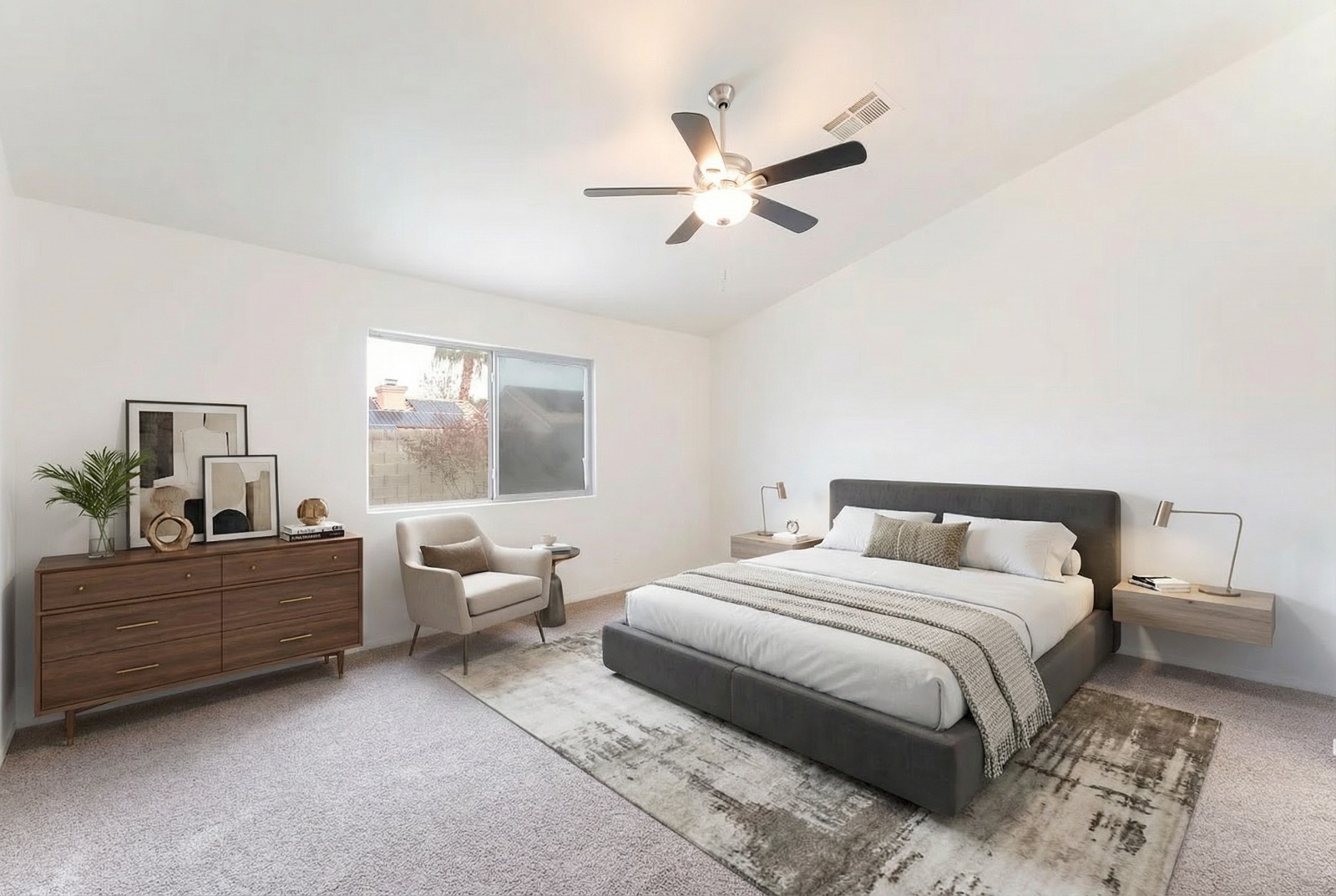
- Primary bedroom: prove a full or queen bed fits with room to move.
- Studio main room: for studios, staging is almost essential to show the living, sleeping, and eating zones.
- Second bedroom or flex room: stage as an office or guest room.
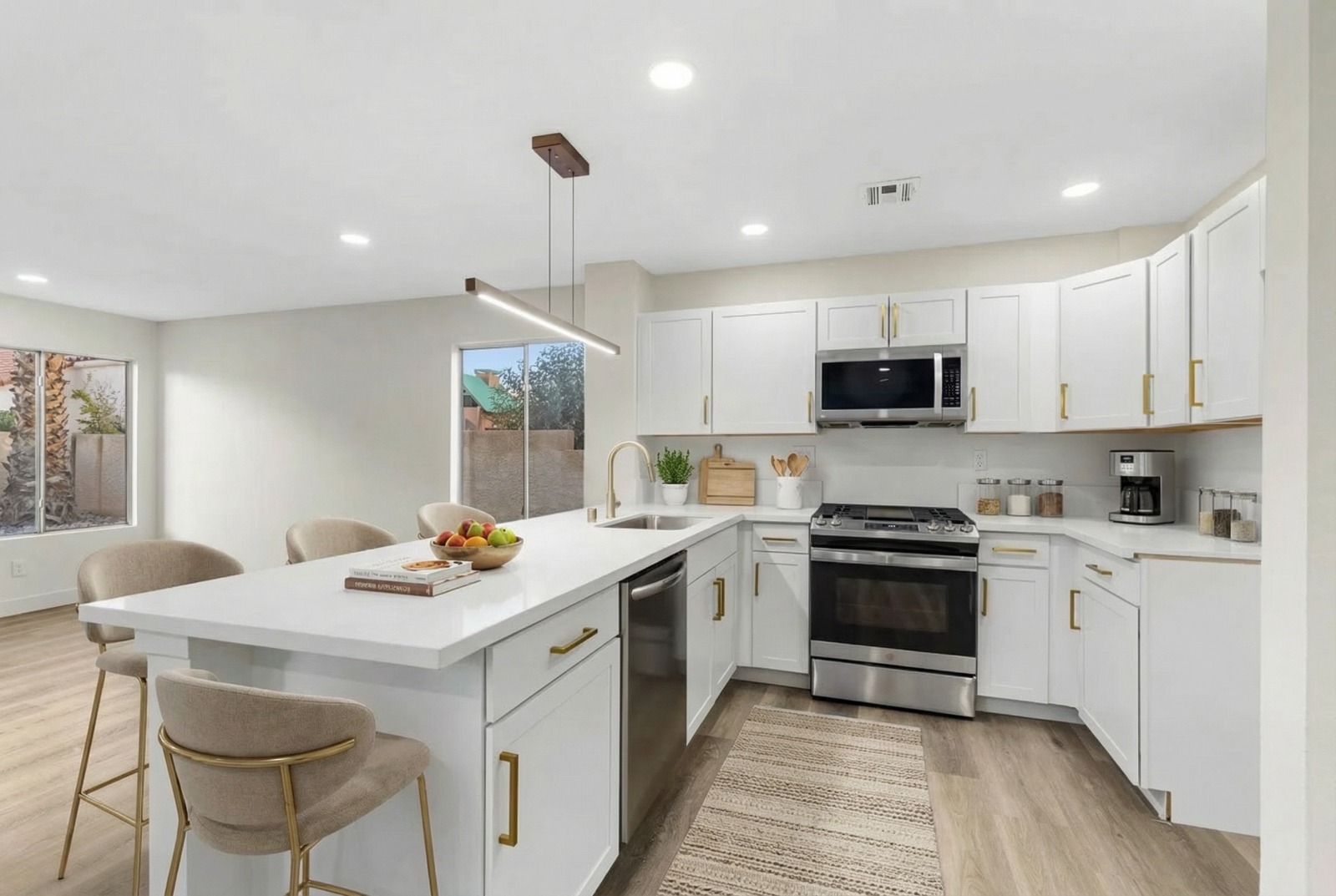
- Kitchen: light touches only, such as stools at a counter or a small dining table.
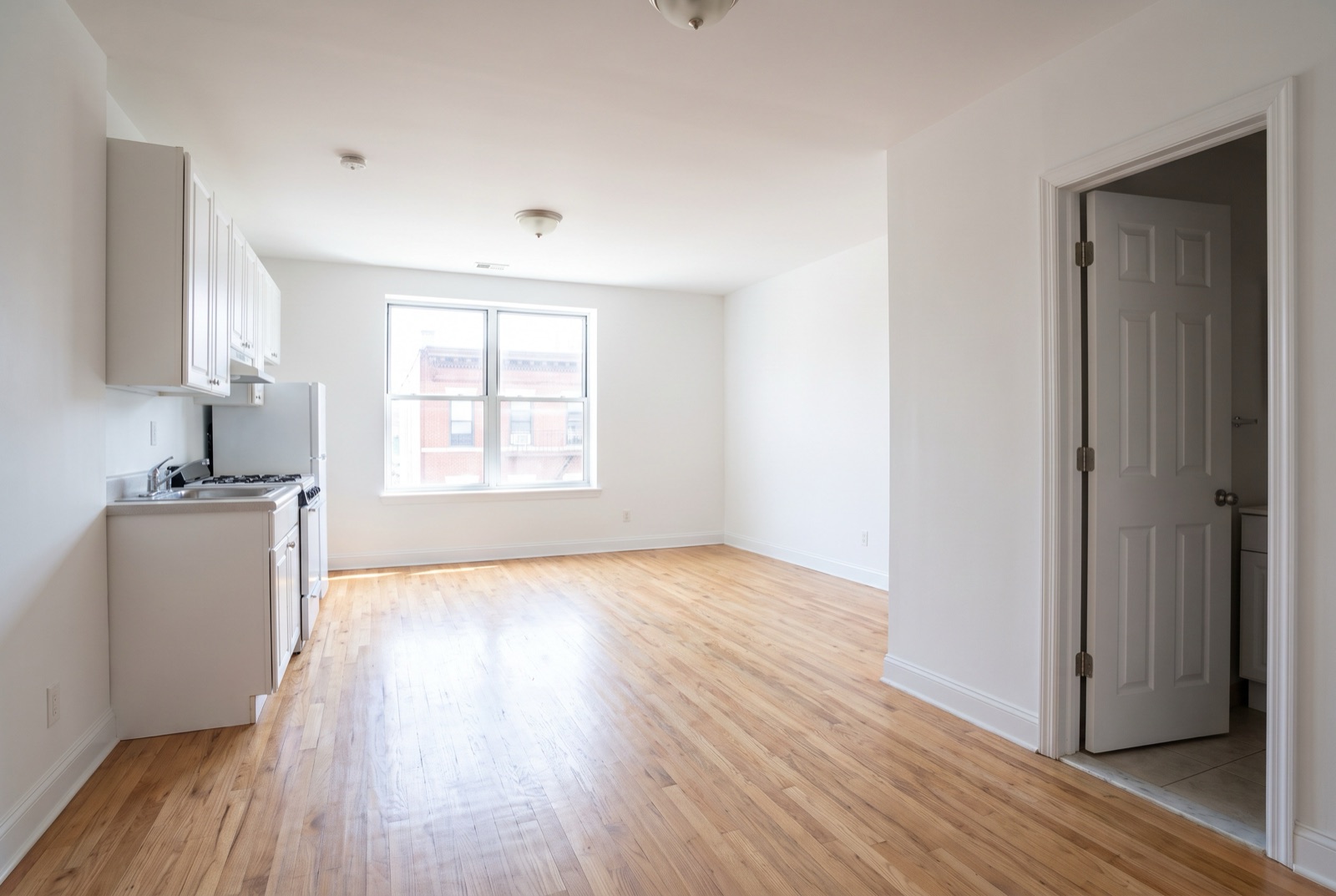
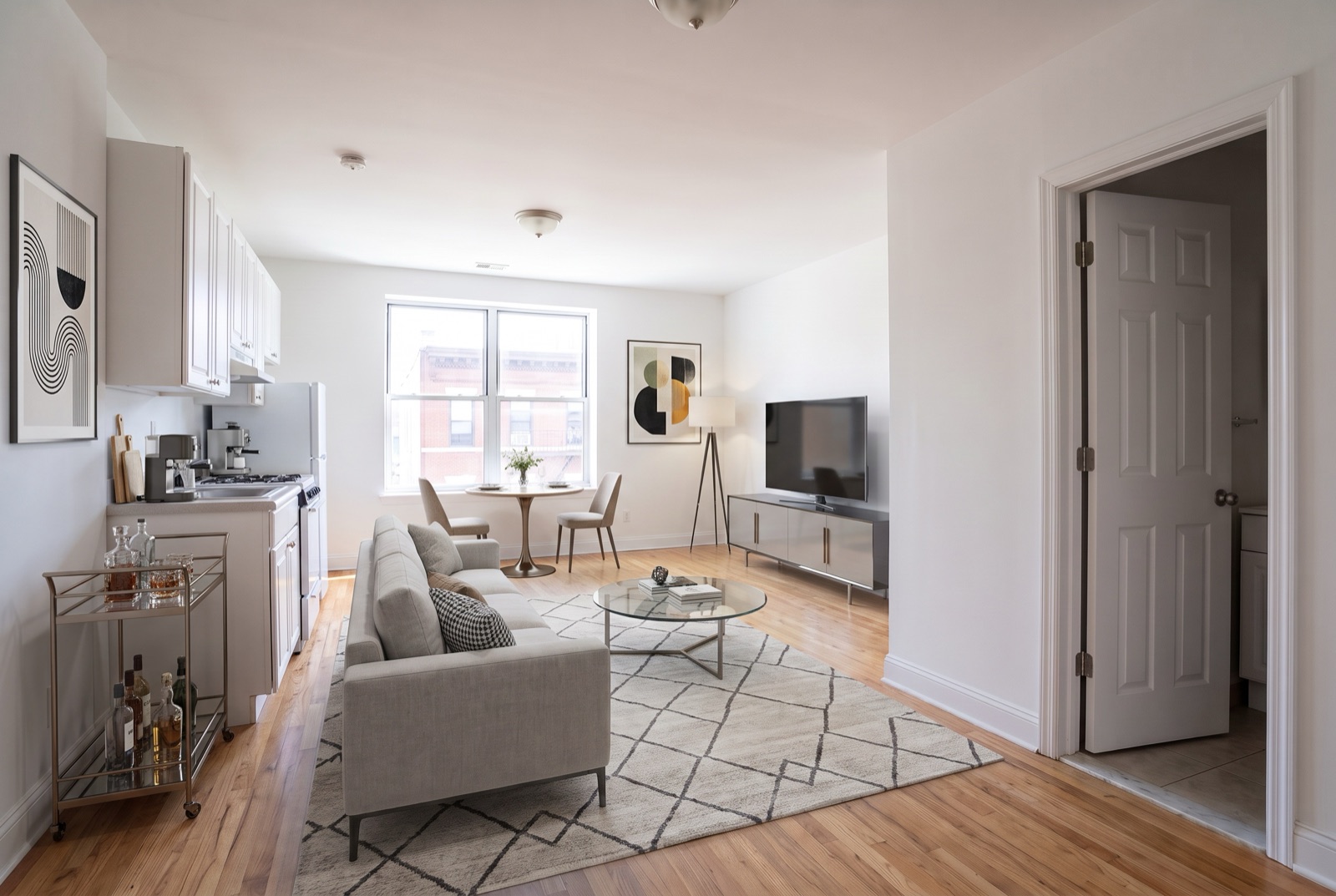
Staging at Portfolio Scale
For property managers, the real advantage is consistency across many units. A few practices keep it fast and on-brand:
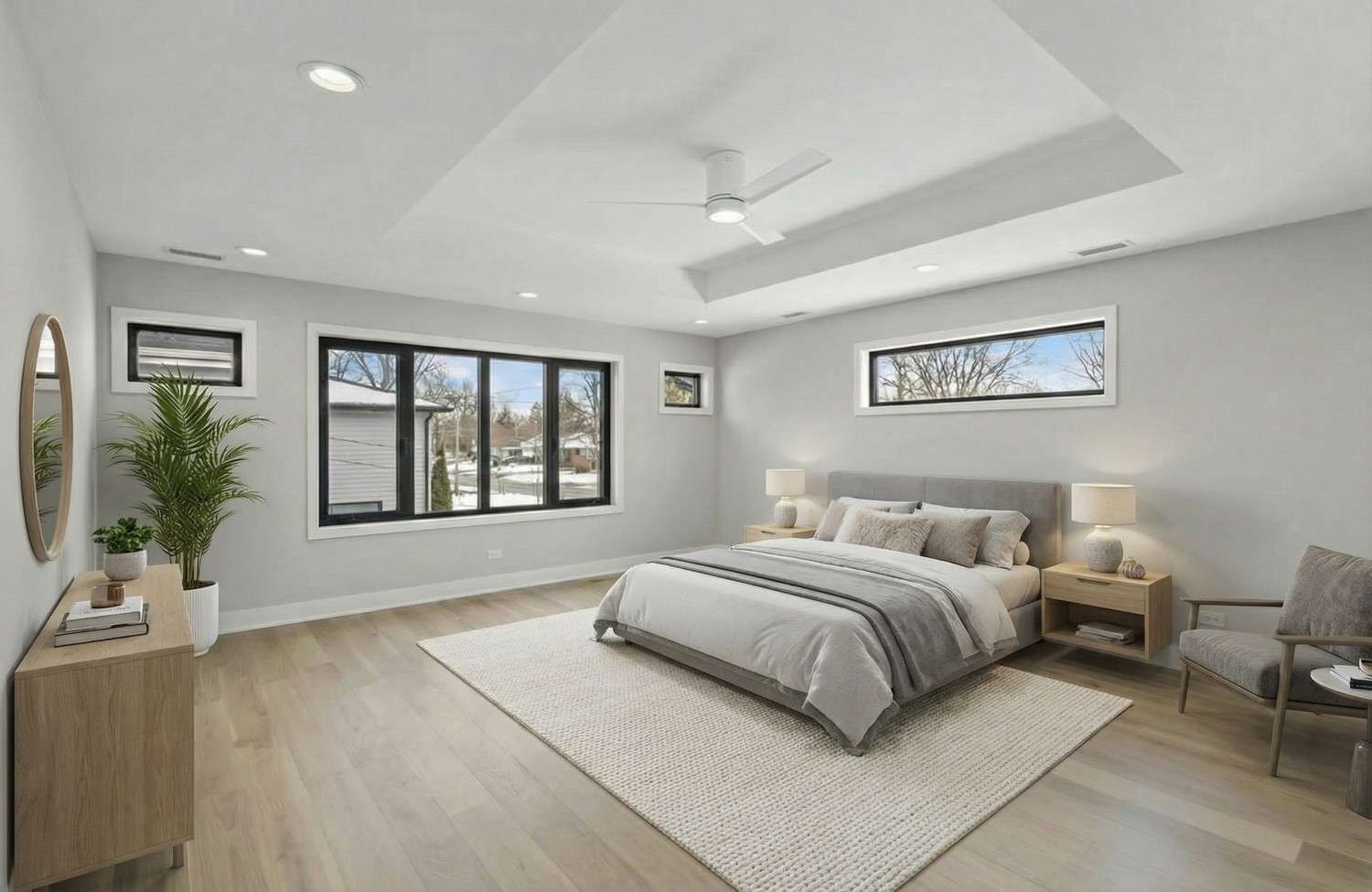
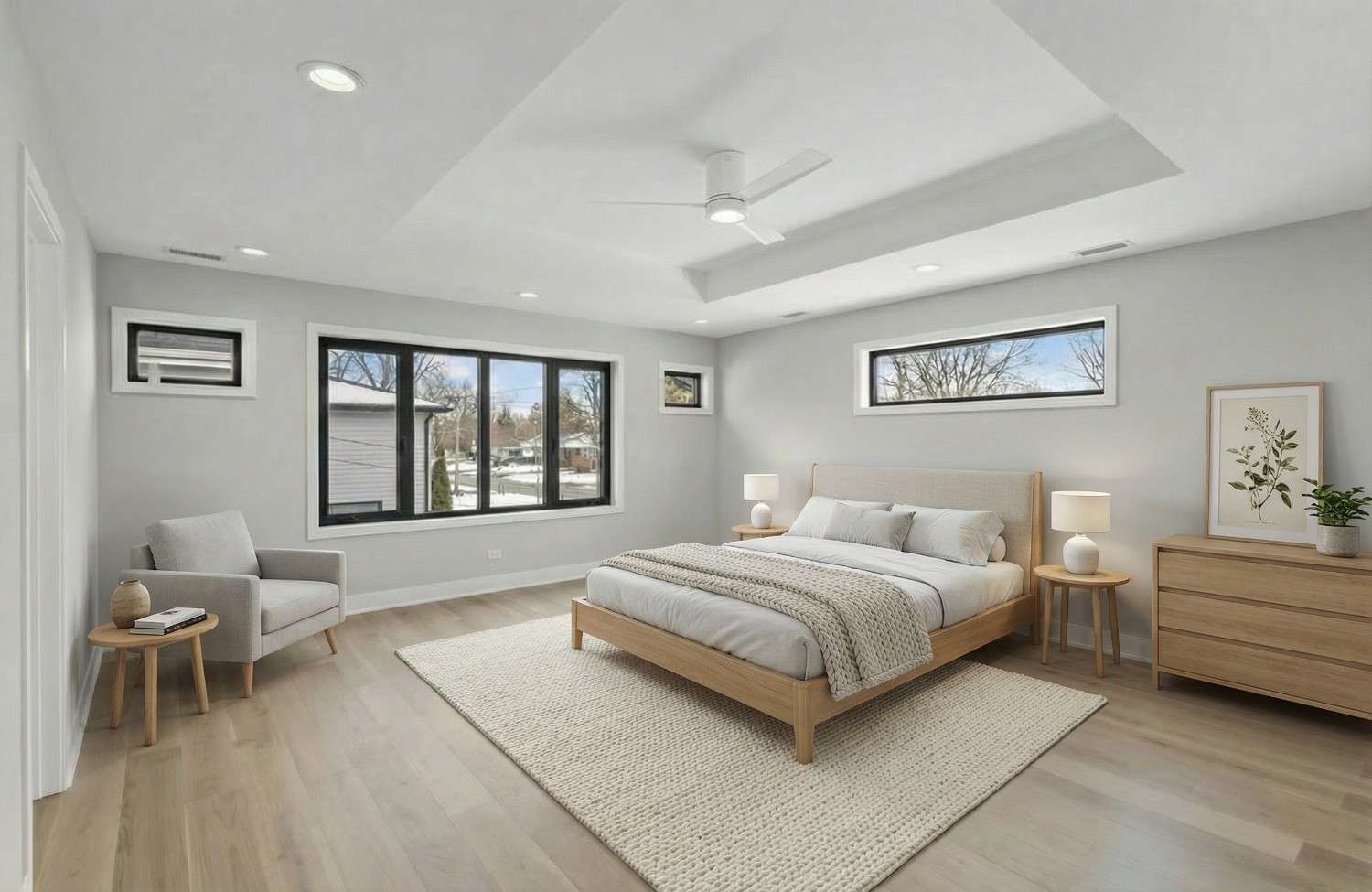
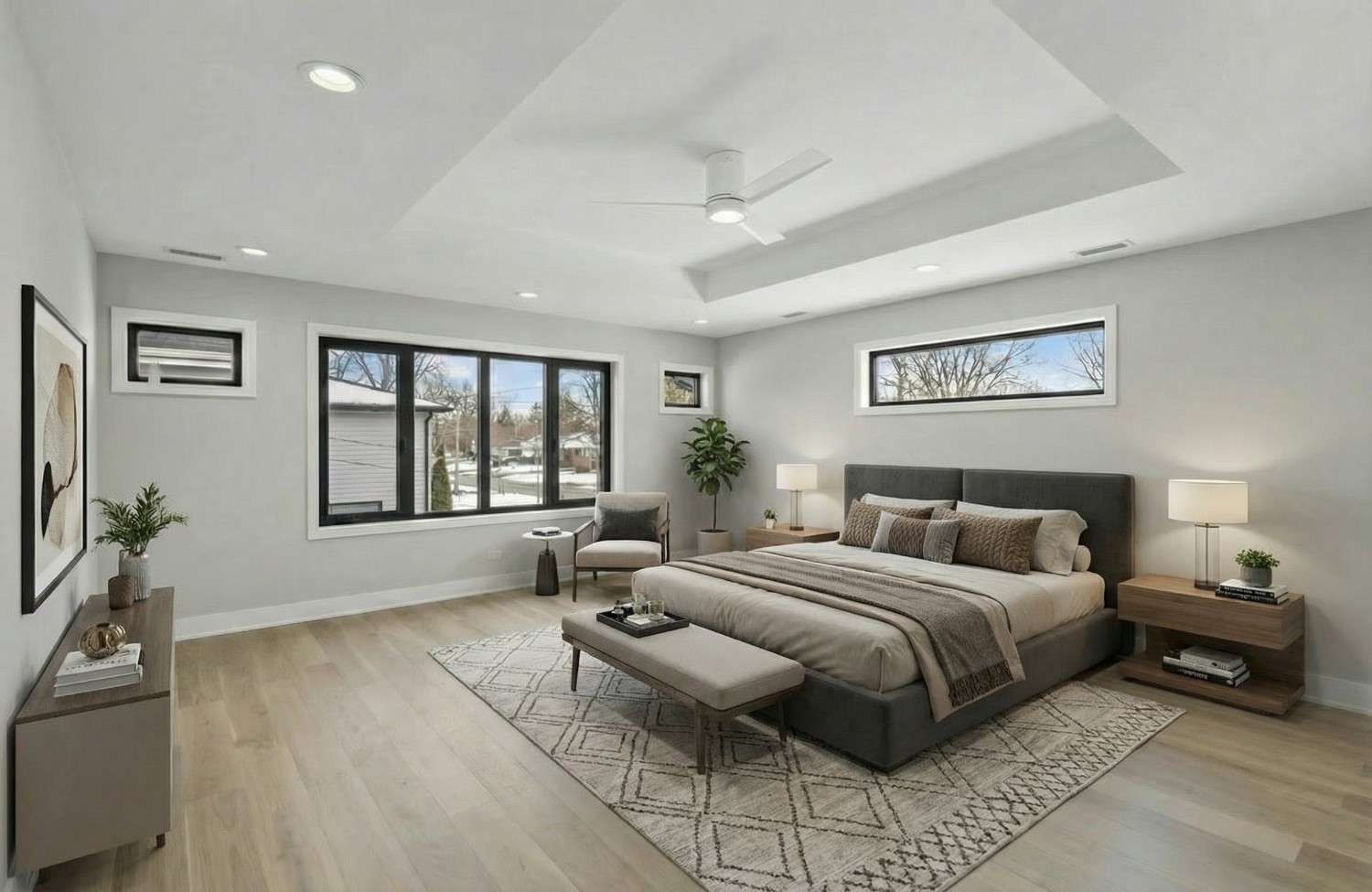
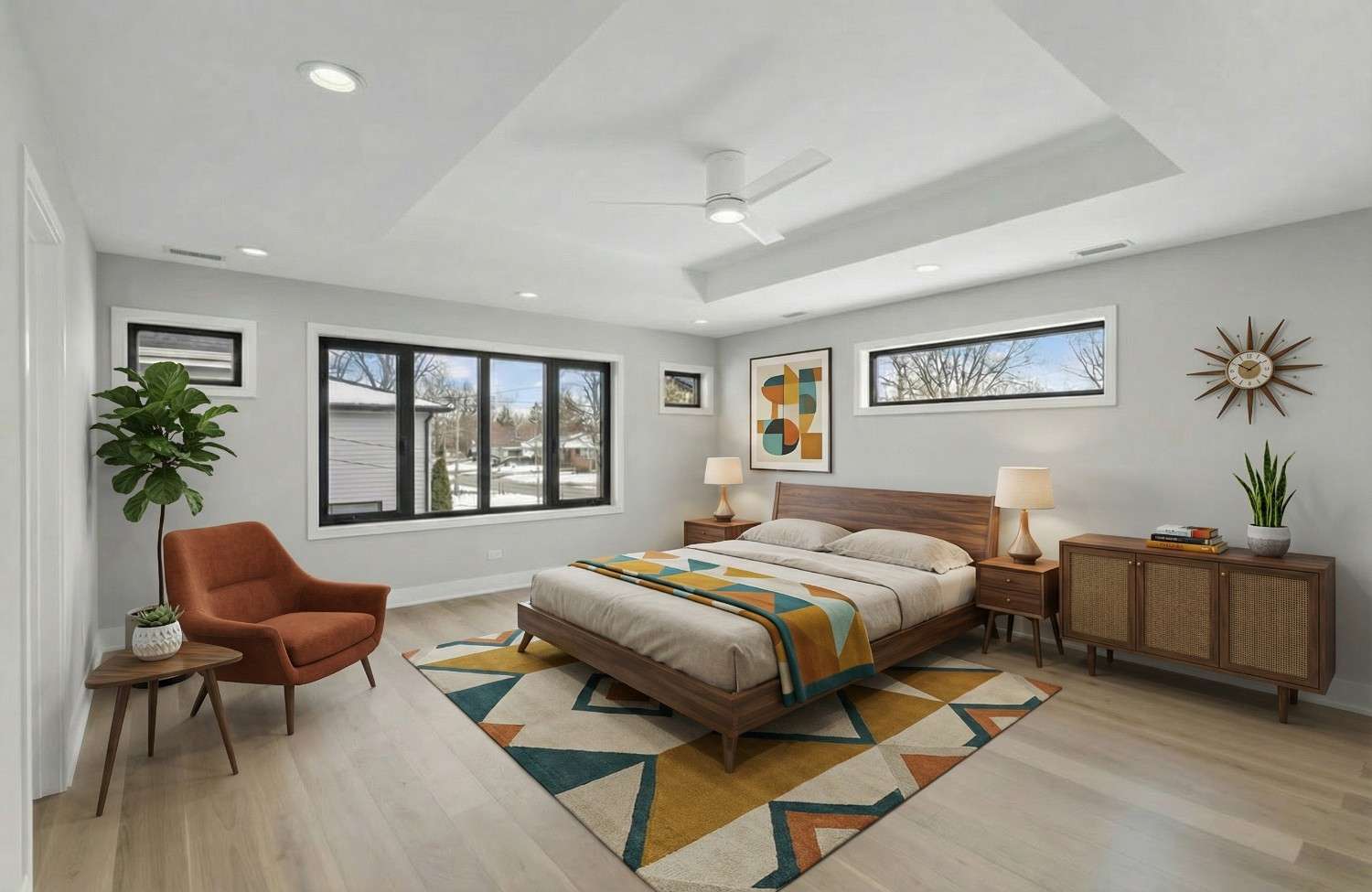
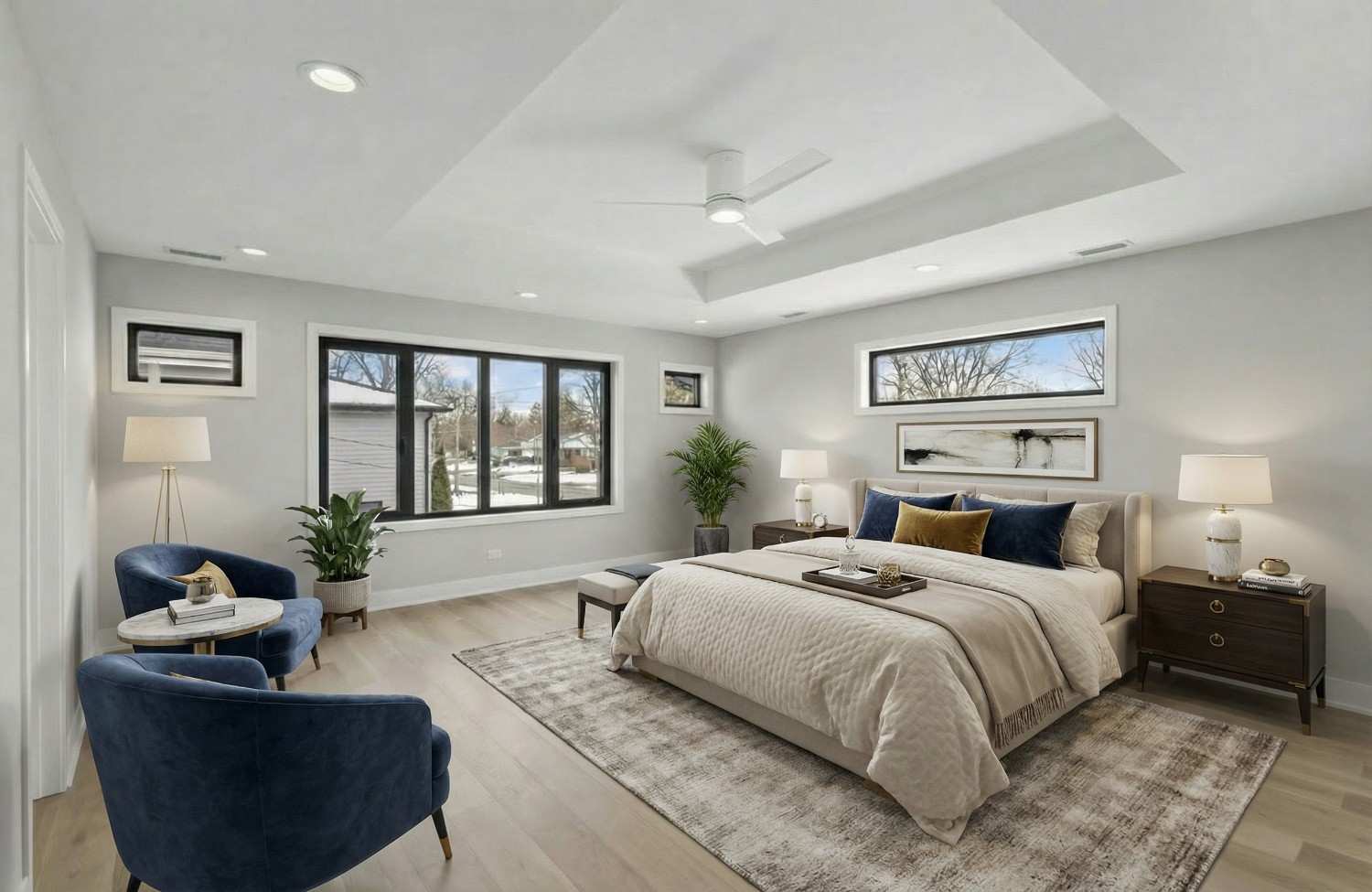
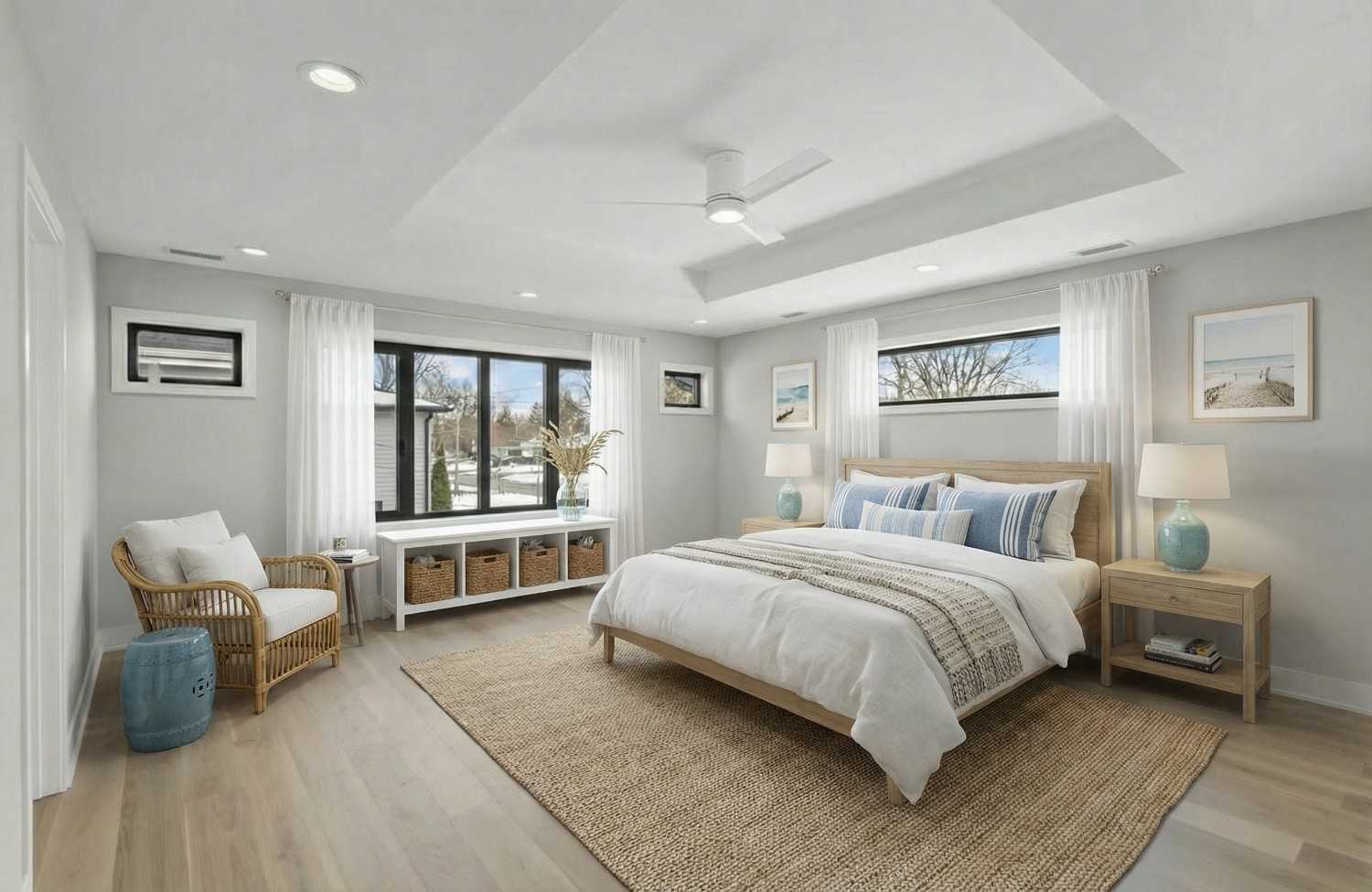
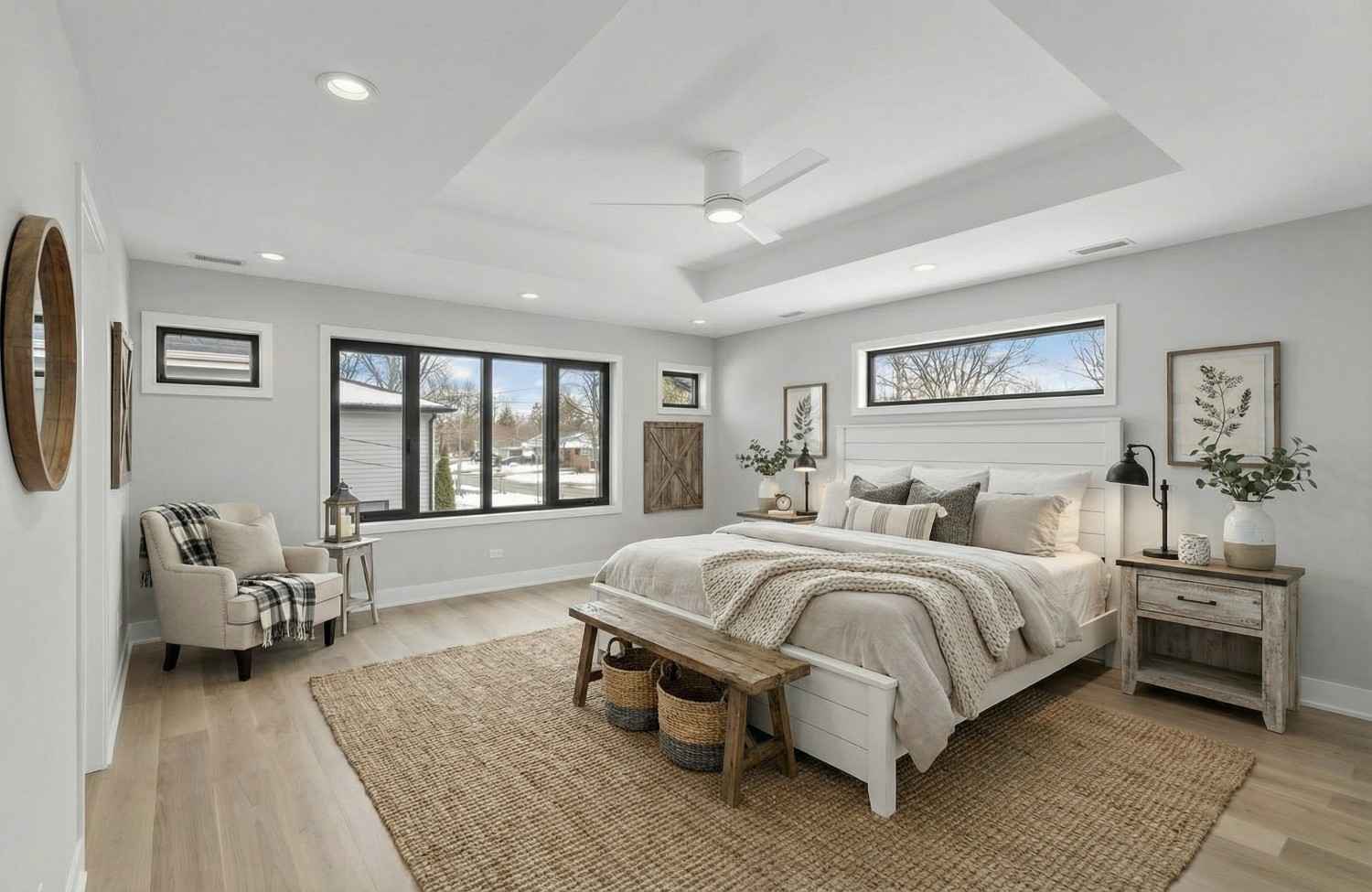
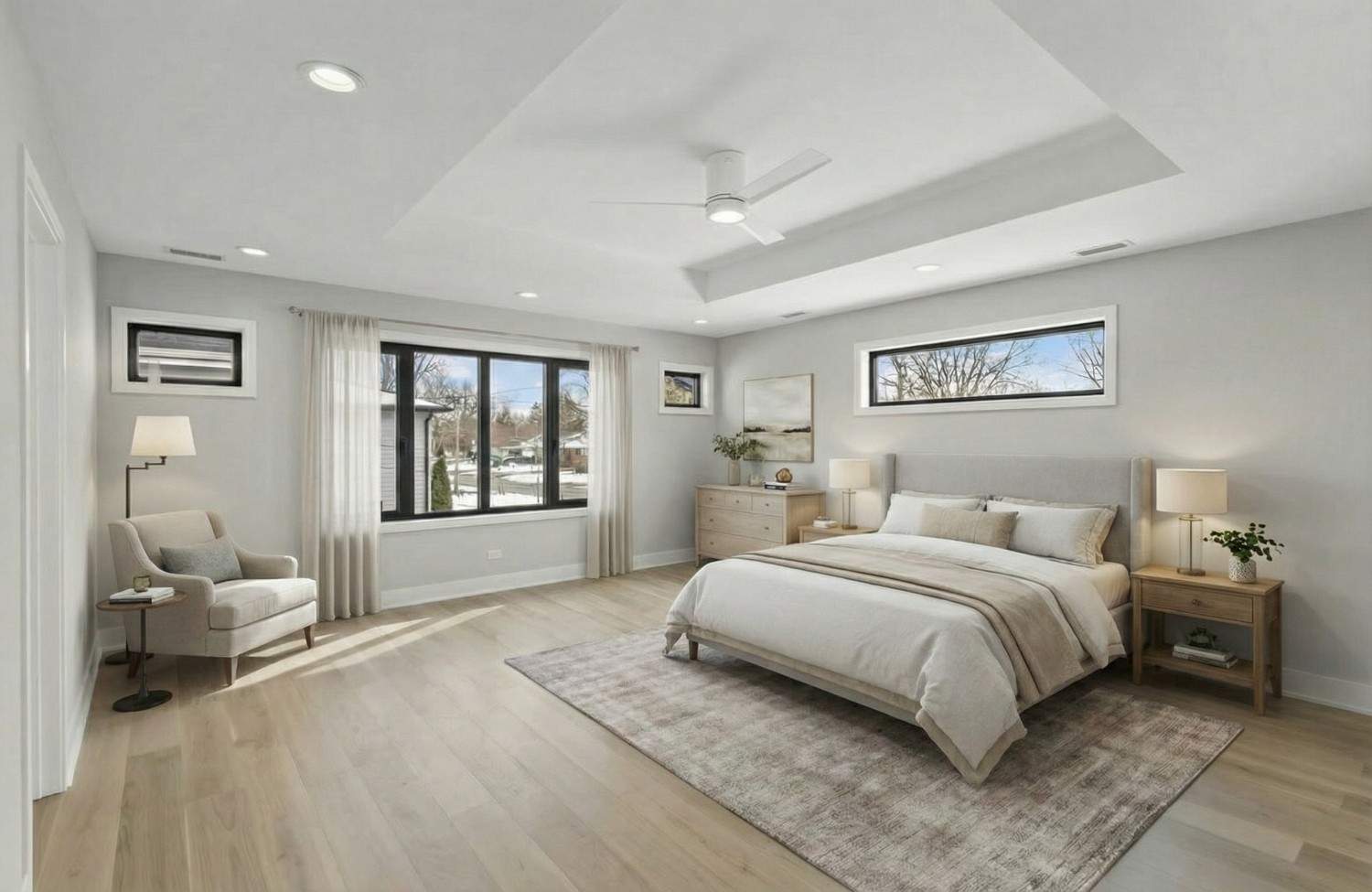
- Pick one house style per building. Use the same interior style for every unit in a property so your listings look like one professionally managed portfolio.
- Stage from the turnover walkthrough. Photograph the unit right after move-out cleaning, while you're already there.
- Use real photos of each unit. If you reuse photos from a model or a similar unit, say so clearly (for example “representative unit”), because floor plans, views, and finishes vary.
- Keep the originals. Store the unstaged photo with each staged version so you can share it on request.
A simple turnover workflow
- Tenant moves out; unit is cleaned.
- Photograph each room: bright, level, landscape, from the corners (see our photography guide).
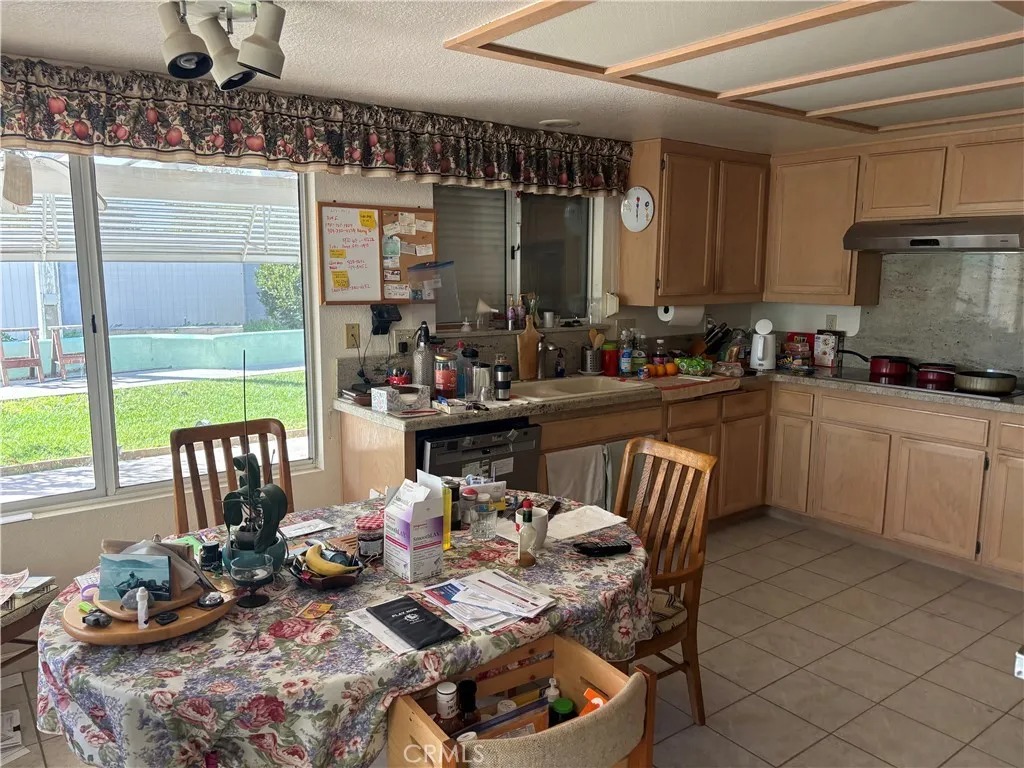
- If anything was left behind, clear it with AI furniture removal.
- Virtually stage the living area and bedrooms in the building's style.
- Download with the “Virtually Staged” label, and list with the unfurnished disclosure.
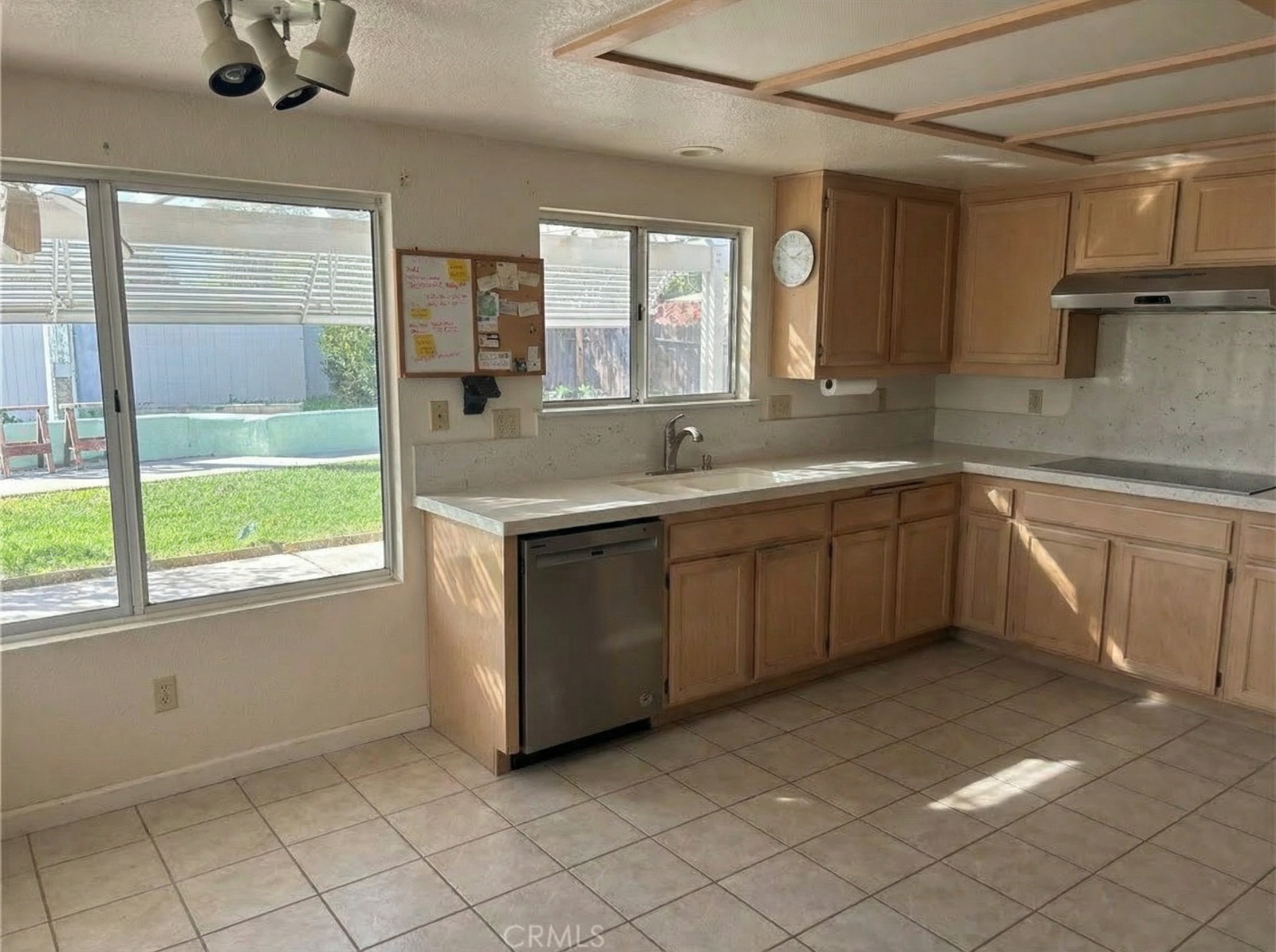
What It Costs per Unit
With AI virtual staging, a typical unit needs four to six staged photos. At $0.99–$1.90 per photo, that's roughly $4–$11 per unit, with no furniture, movers, or monthly rental.
Compare that with the cost of vacancy. As an illustrative example, a unit renting for $1,800 a month loses about $60 for every day it sits empty. If better photos help fill it even one day sooner, staging pays for itself several times over. Plug in your own rent to see the math for your portfolio.
Fair Housing Basics for Rental Listings
The federal Fair Housing Act applies to rental advertising as well as sales. It prohibits ads that indicate a preference or limitation based on race, color, religion, sex, disability, familial status, or national origin (see the federal rule on discriminatory advertisements, 24 CFR 100.75), and many states and cities add more protected classes, such as source of income. The safest rule is the same one that applies to staging: describe the unit, not the tenant you imagine.
| Avoid | Write instead |
|---|---|
| “Perfect for young professionals” | “Open-plan studio with a dedicated work nook” |
| “Great for a single person” | “Efficient one-bedroom, 550 sq ft” |
| “No kids” or “adults only” | Leave it out entirely (familial status is protected) |
| “Ideal for a Christian family” | “Two blocks from [named park] and transit” |
| “Must be able to climb stairs” | “Third-floor walk-up, no elevator” |
The same thinking applies to staging choices: style the unit to look livable and appealing, not targeted at a particular type of renter. Rules vary by location, so check your state and local fair housing guidance.
Write the Listing in Seconds
Once your photos are ready, our free listing description generator supports rental listings: choose “For rent,” enter the unit details, and get a polished first draft to edit. Then add the unfurnished disclosure at the top.
Fill Your Next Vacancy Faster
Virtual staging won't fix a unit that's overpriced or in poor condition, but for good units in empty photos, it's one of the cheapest ways to make a listing stand out. Try it on your next turnover: your first image is free at AI Virtual Staging for property managers.