Virtual Staging Before and After: 10 Real Examples by Room
An empty room photographs smaller and colder than it feels in person. Virtual staging fixes that by adding furniture to the photo, but the result is only useful if the room itself stays exactly as it is. Below are ten before-and-after examples, from empty rooms to occupied homes, twilight exteriors, and floor plans, with notes on what changed and what should never change.
How to Read These Examples
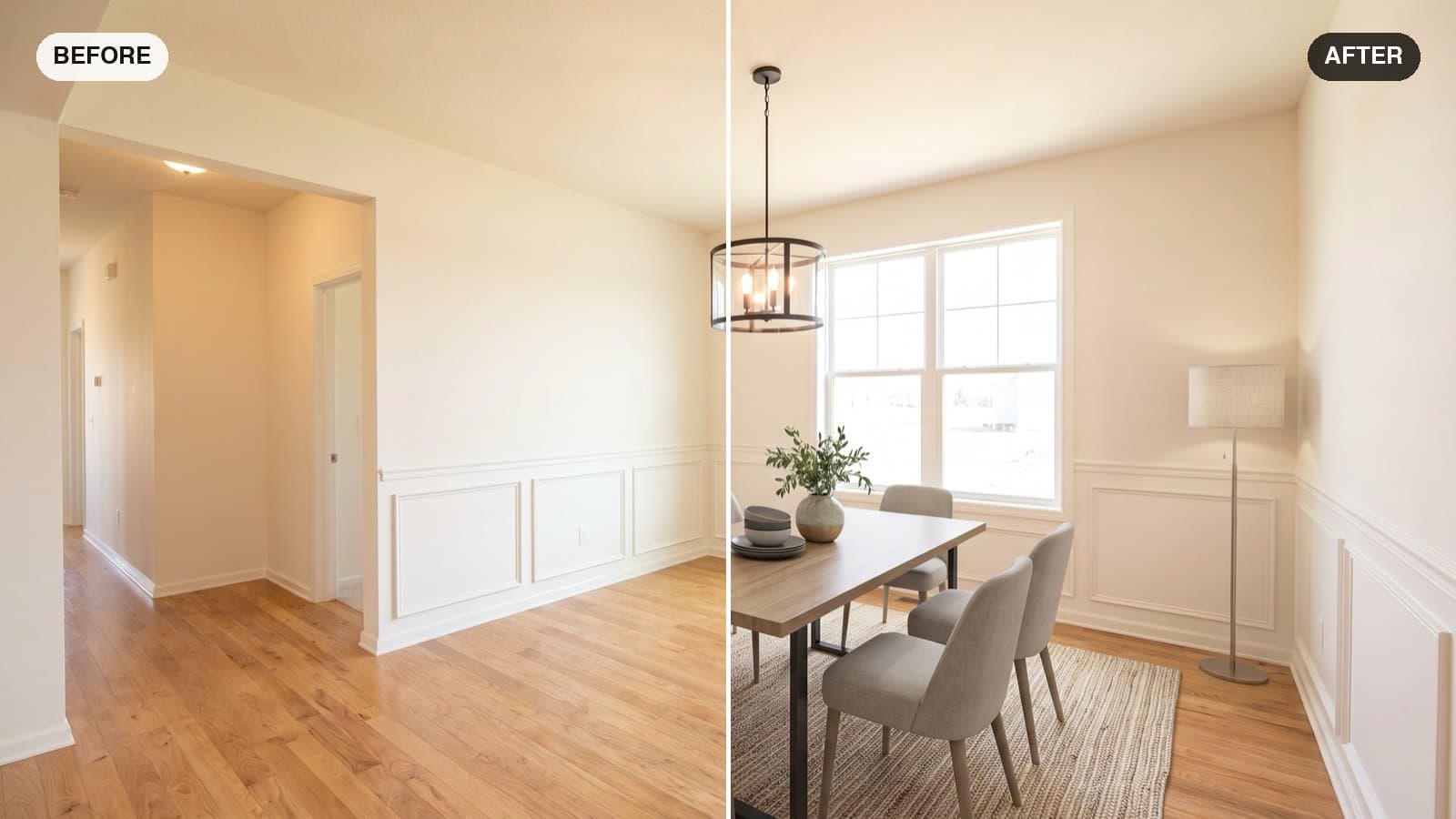
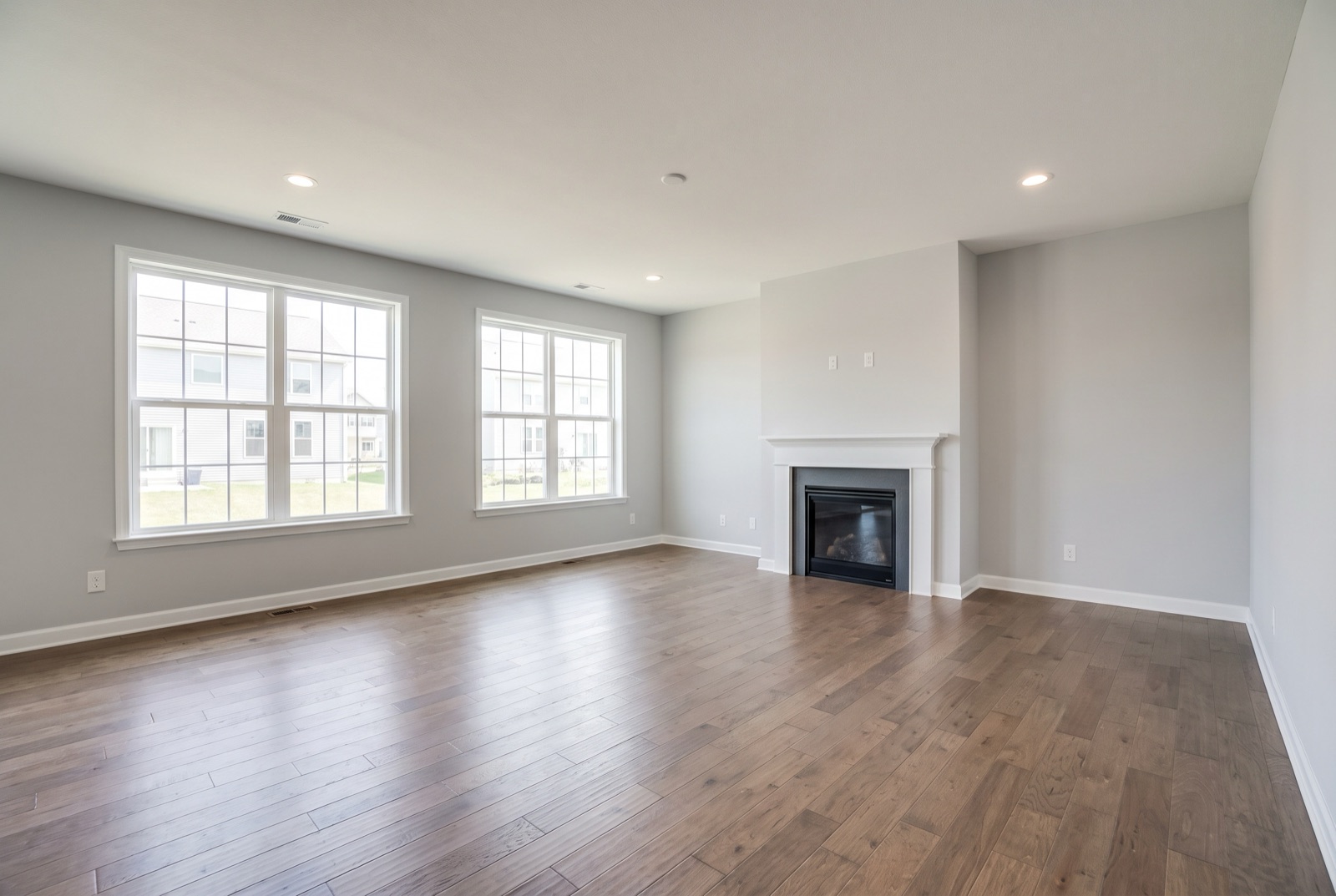
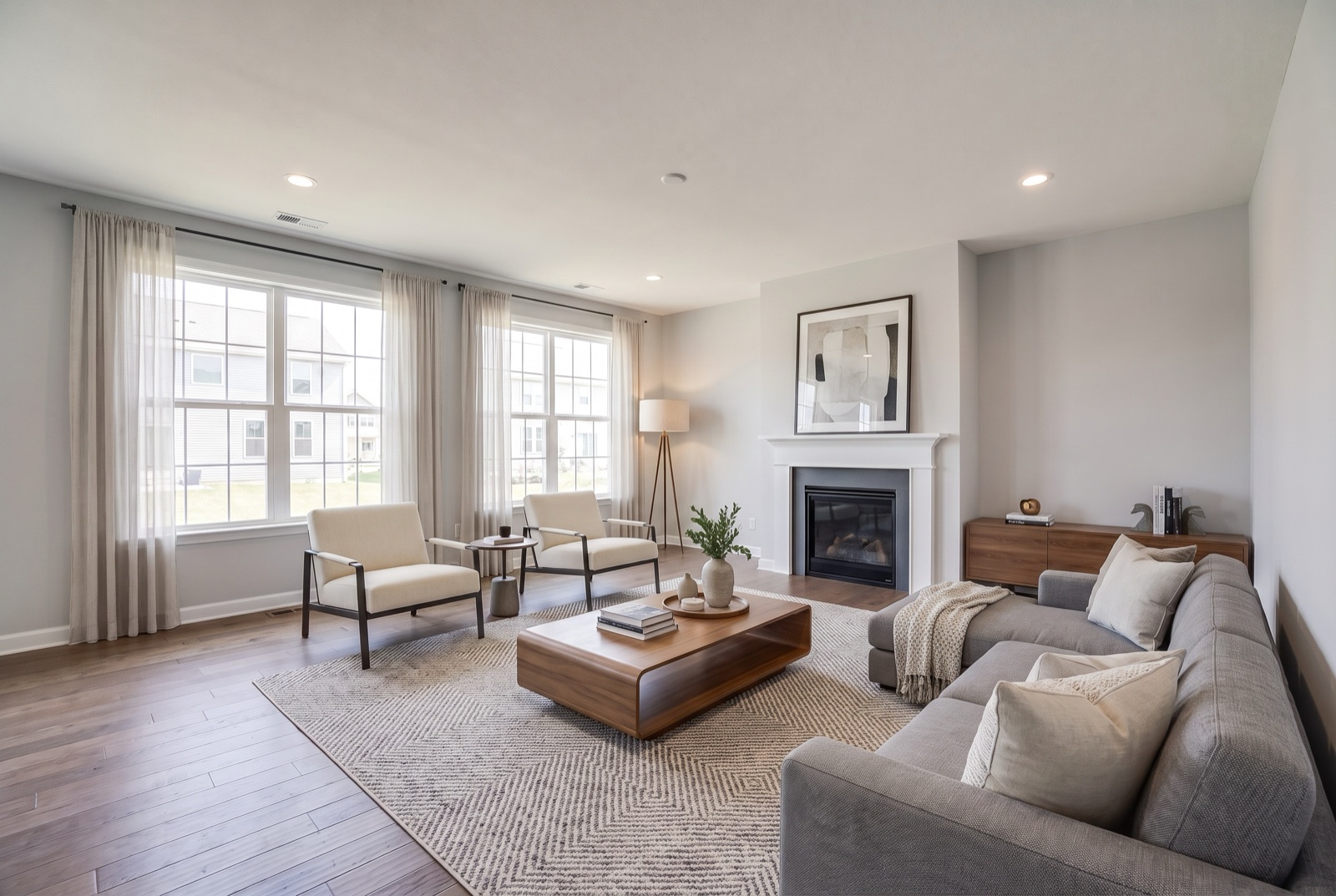
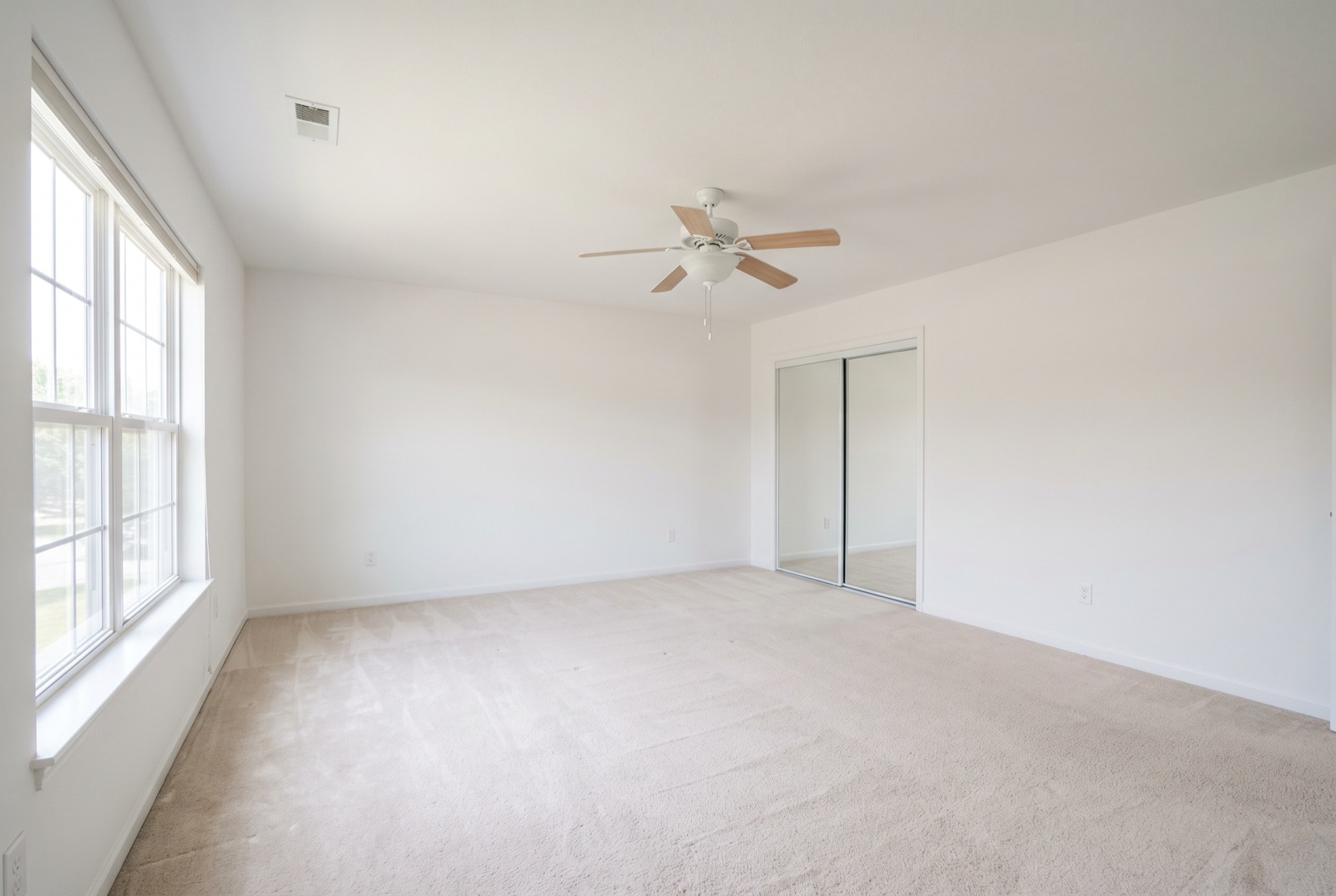
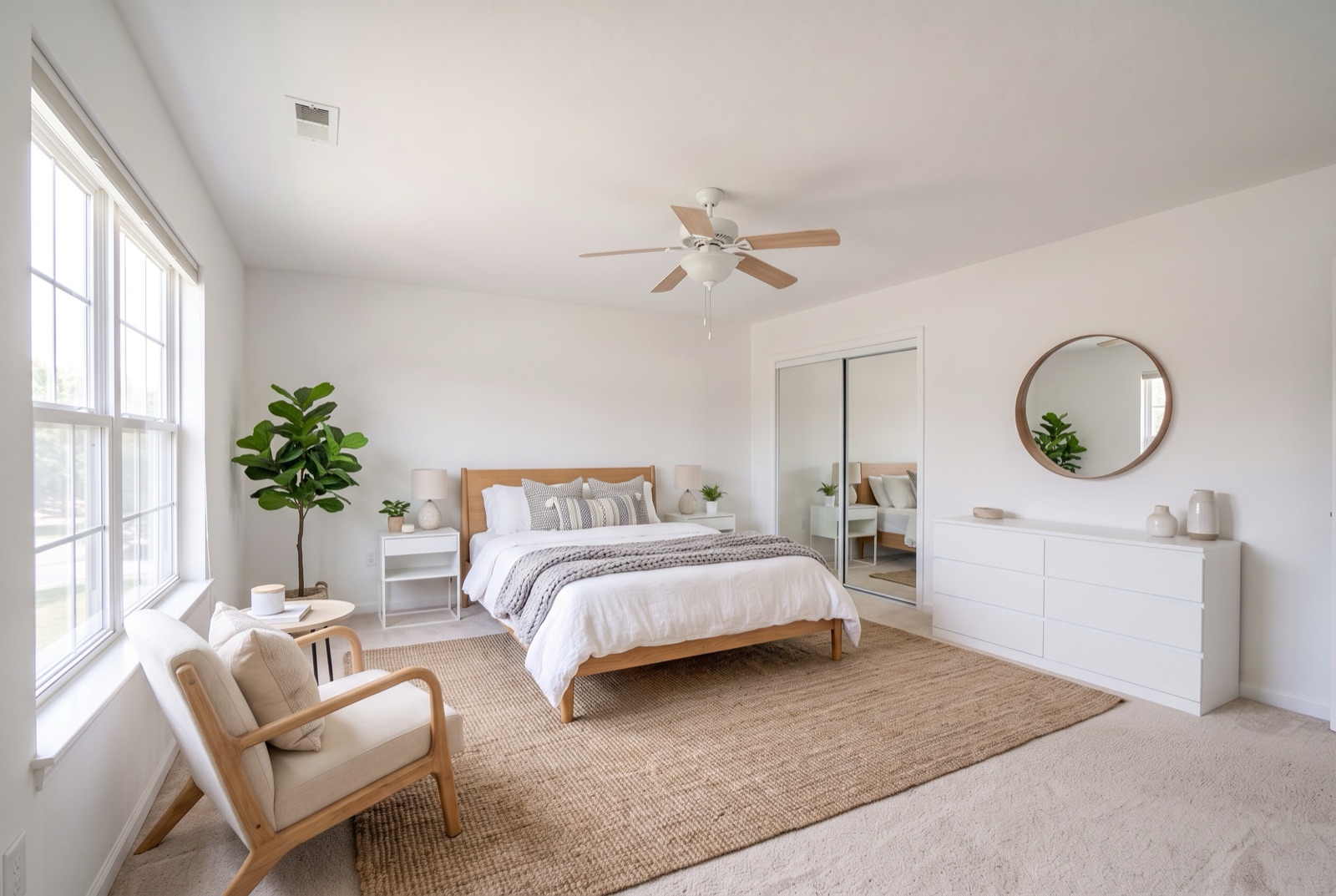
Drag the handle on each image to compare. In a good result, the furniture is new but everything you can't move in real life is identical: the camera angle, windows, doors, floors, and light. If any of those change, the image no longer shows the real home.
Every “after” image below is unedited output from AI Virtual Staging's own tools. The empty “before” rooms and exteriors are AI-generated sample spaces, so no client's home is shown.
1. Empty Living Room, Modern Style
The living room is usually the most important photo in a listing, and the one that suffers most when empty. Here the furniture is arranged around the fireplace, leaving a clear walkway from the windows, which is what makes a room feel usable.
2. Primary Bedroom, Scandinavian Style
Empty bedrooms give buyers no sense of whether a queen or king bed fits. Staging answers that at a glance. Light woods and soft textiles keep the room bright, which suits most bedrooms.
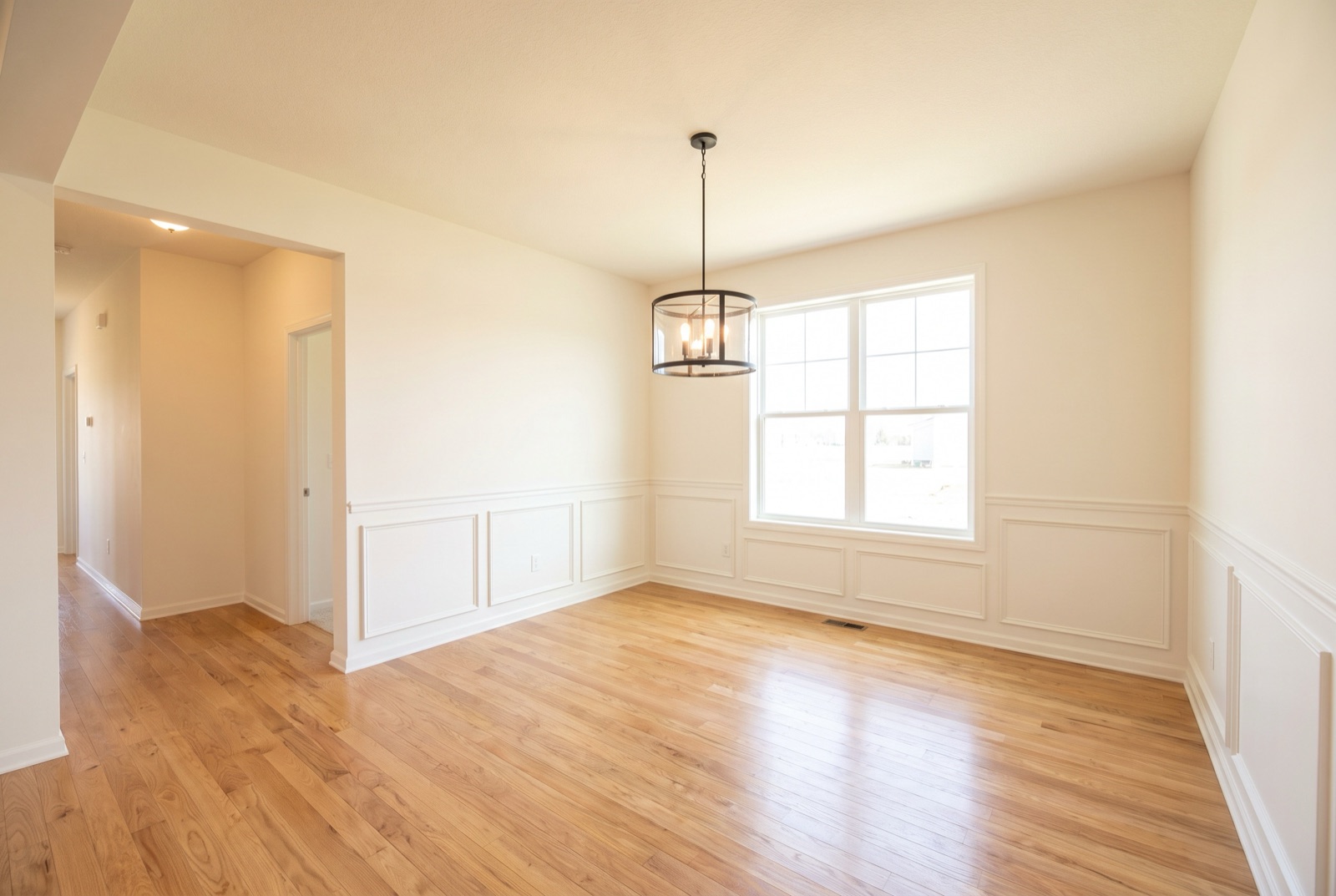
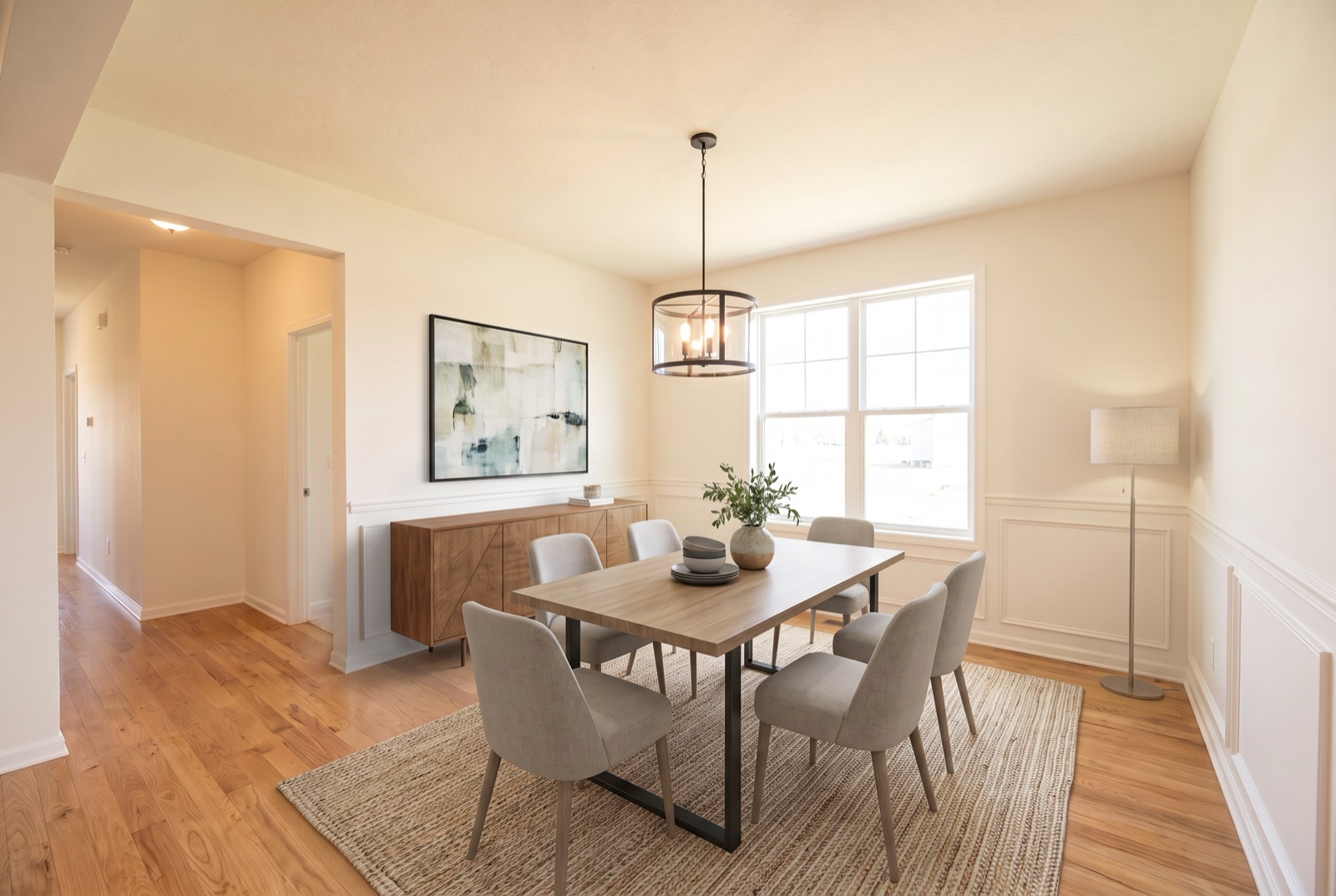
3. Dining Room, Contemporary Style
Formal dining rooms often look like leftover space when empty. A table sized to the room shows how many people it seats and makes the room's purpose obvious.
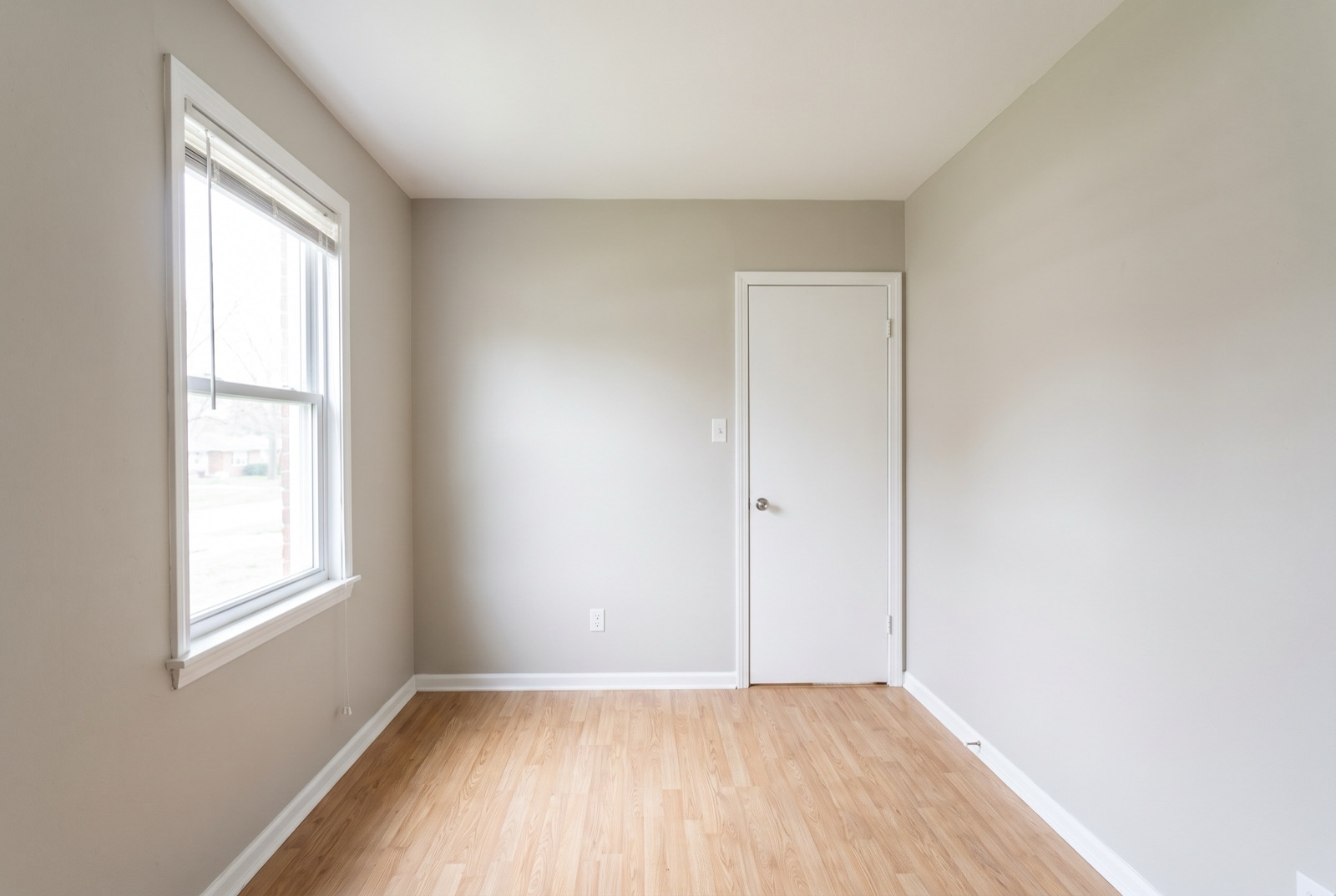
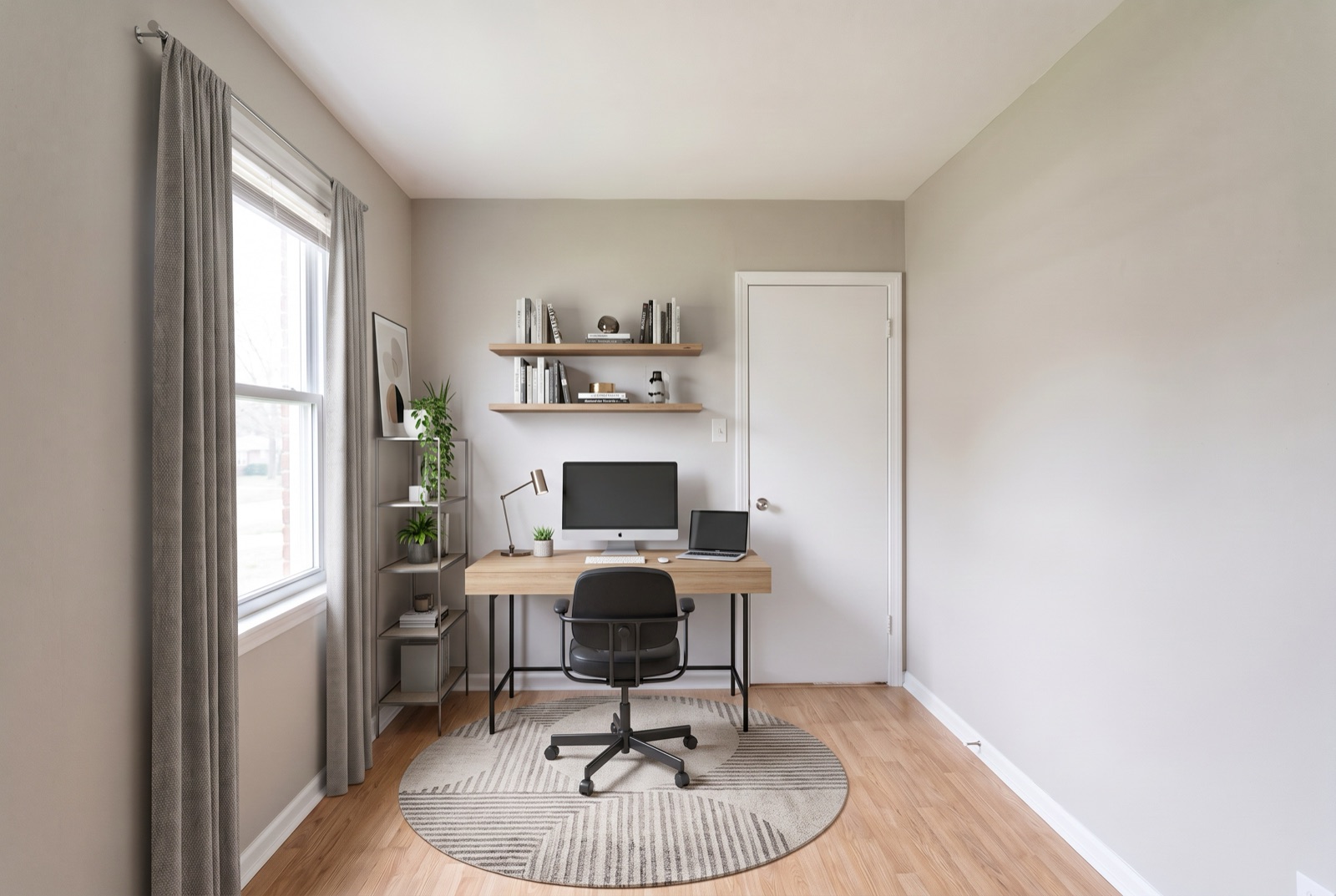
4. Spare Room Staged as a Home Office
Small extra rooms are hard to sell when buyers can't picture a use for them. Staging one as a home office, nursery, or guest room gives it a job. Pick the use that fits your likely buyer.
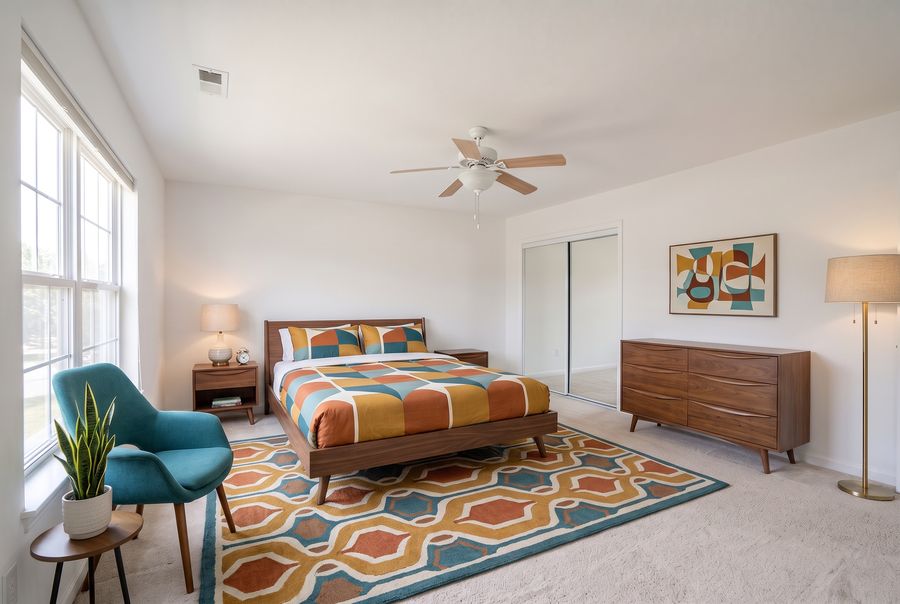
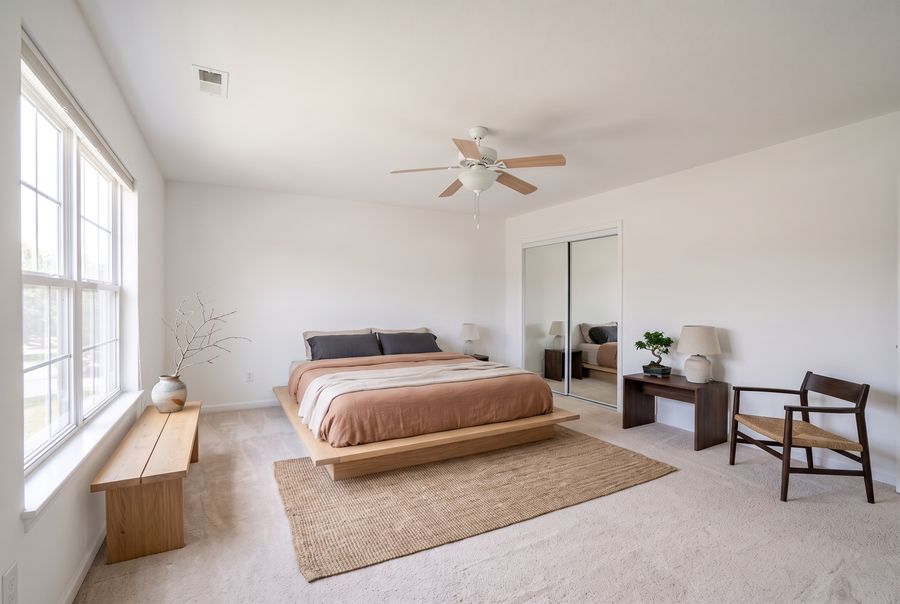
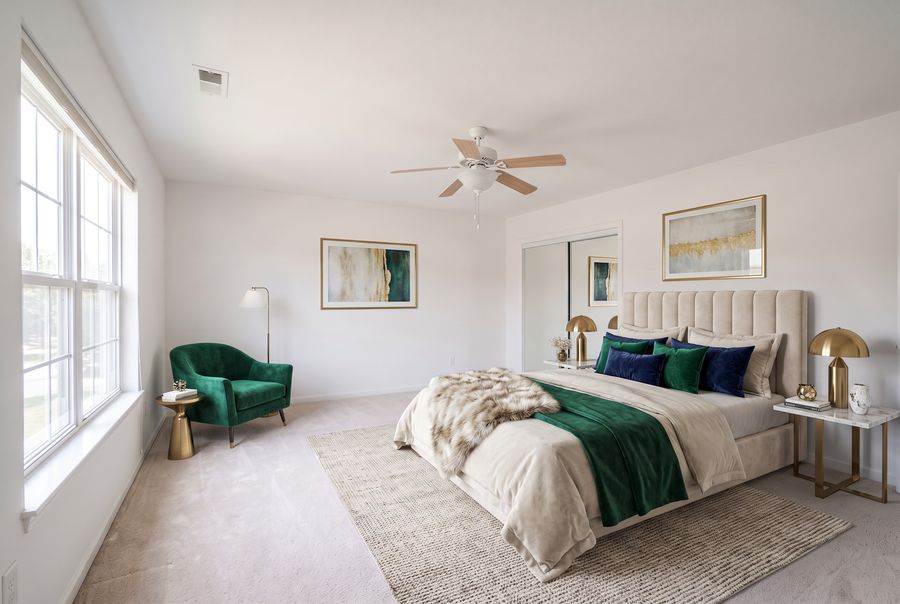
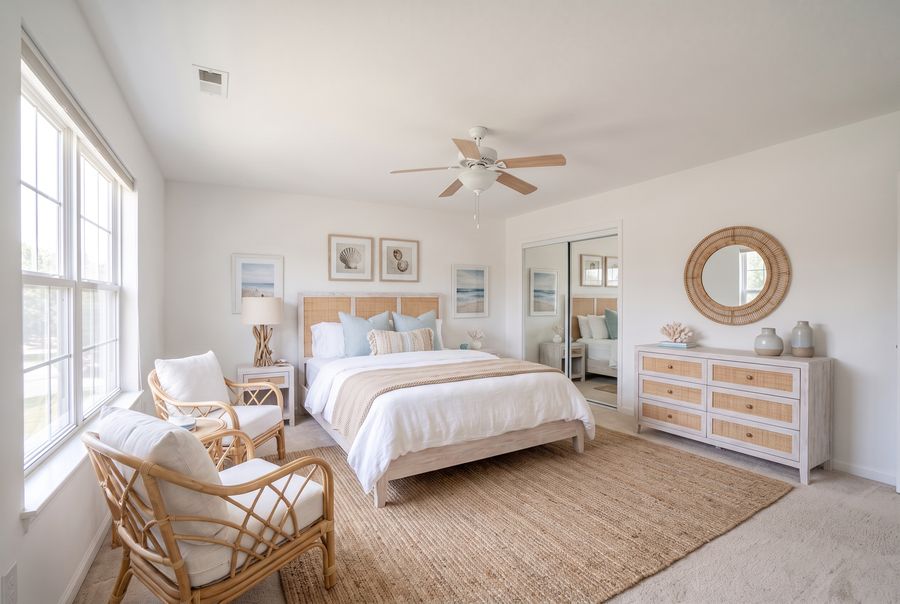
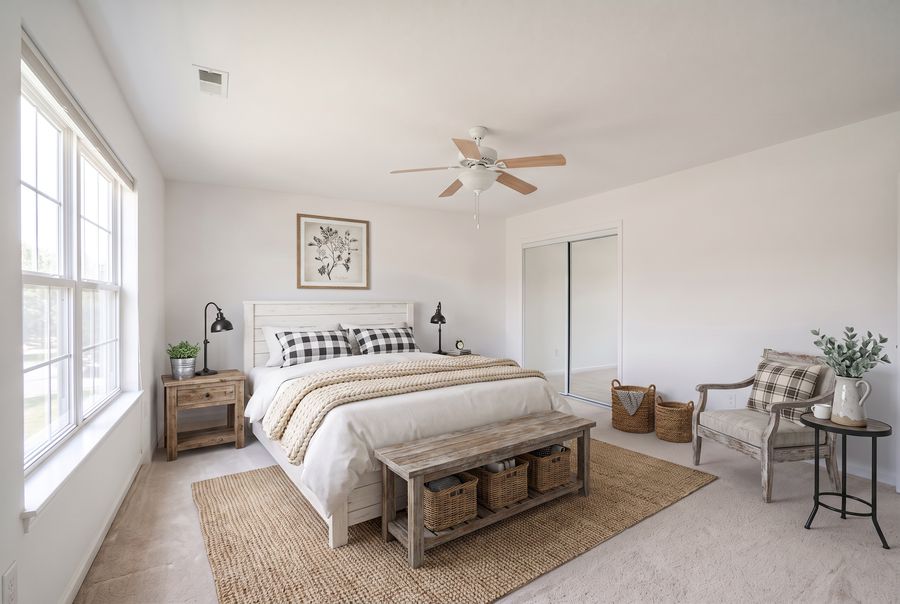
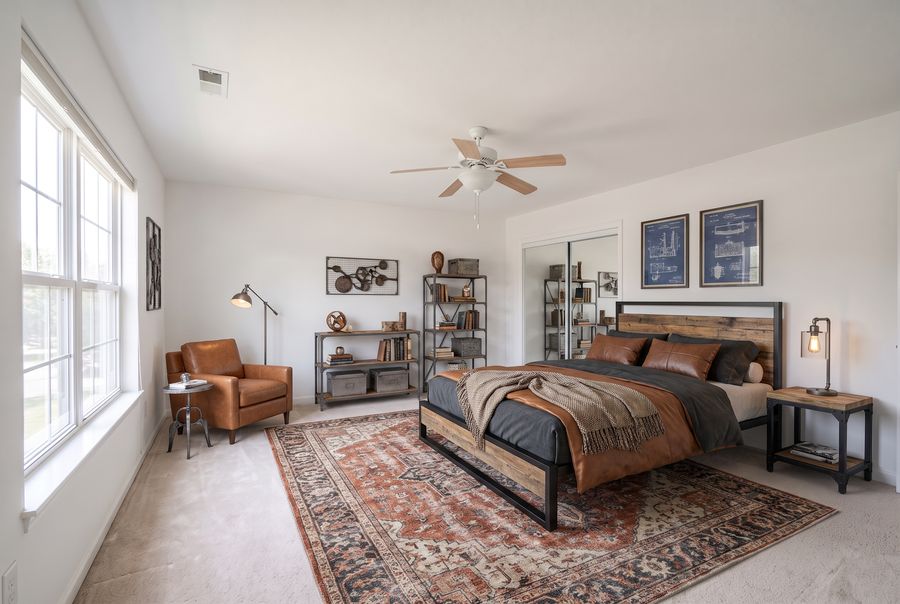
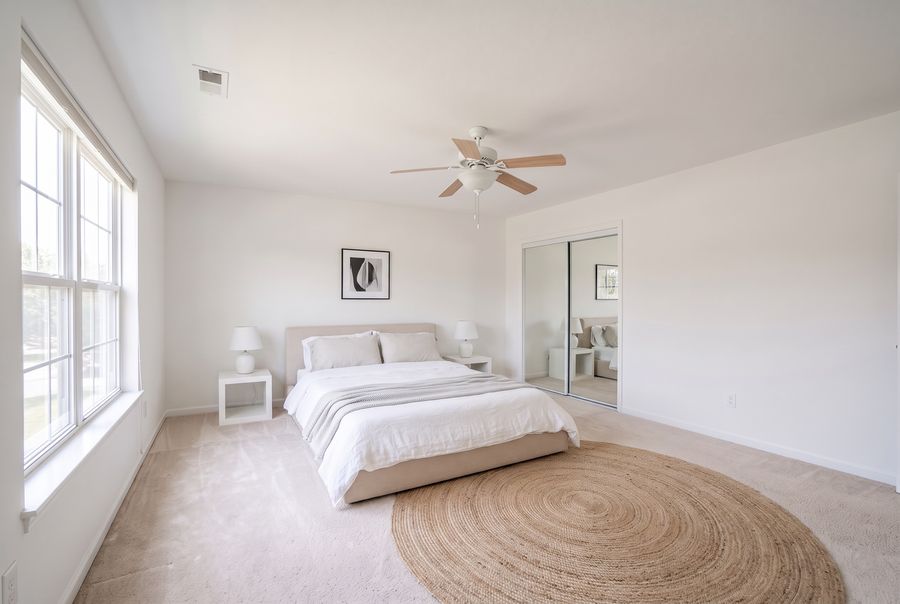
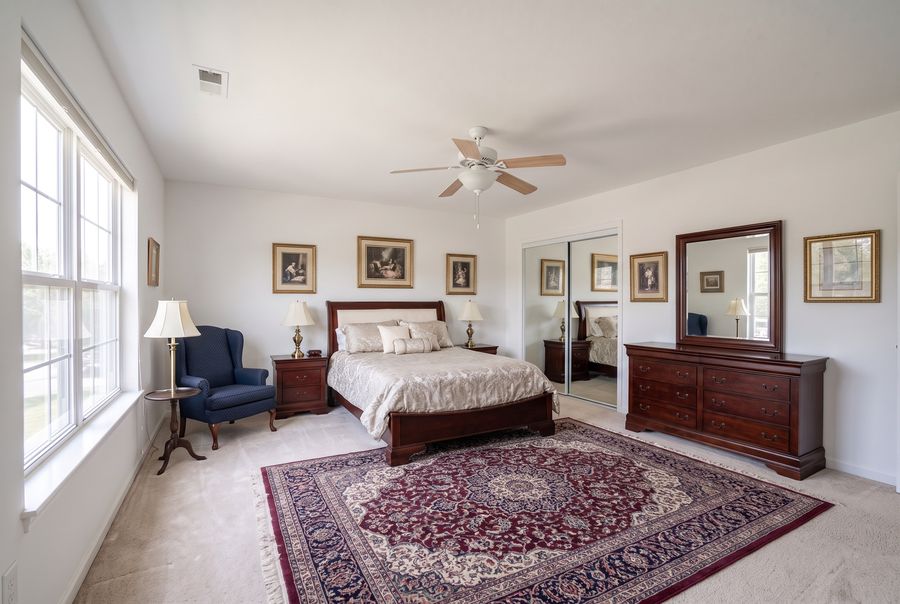
5. One Bedroom, 12 Interior Styles
Style matters as much as furniture. The same empty bedroom below was staged in all 12 styles we offer. Notice that the window, closet, and ceiling fan never move; only the furniture, colors, and materials change. For most listings, Transitional or Modern appeals to the widest range of buyers, while Coastal, Farmhouse, or Industrial work best when they match the home's architecture and location.
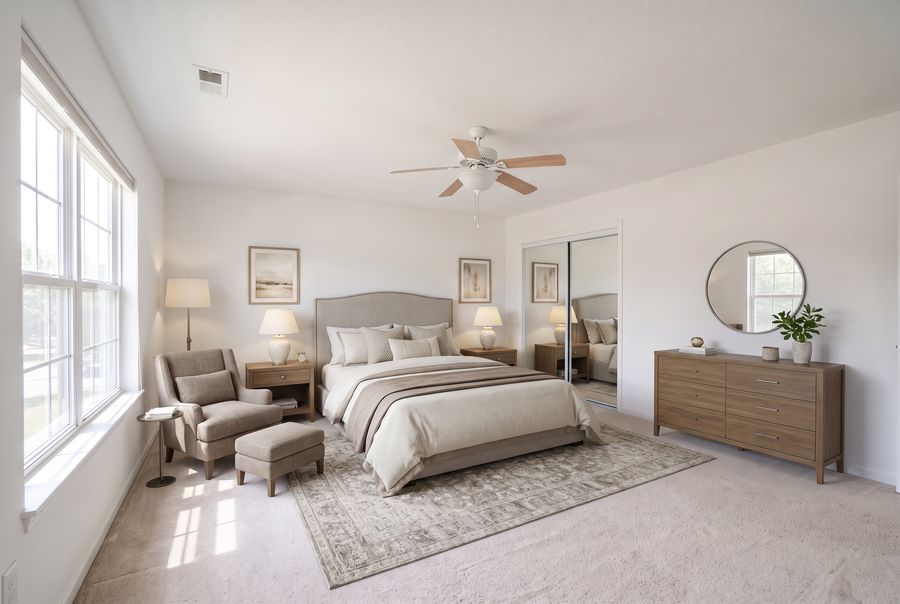
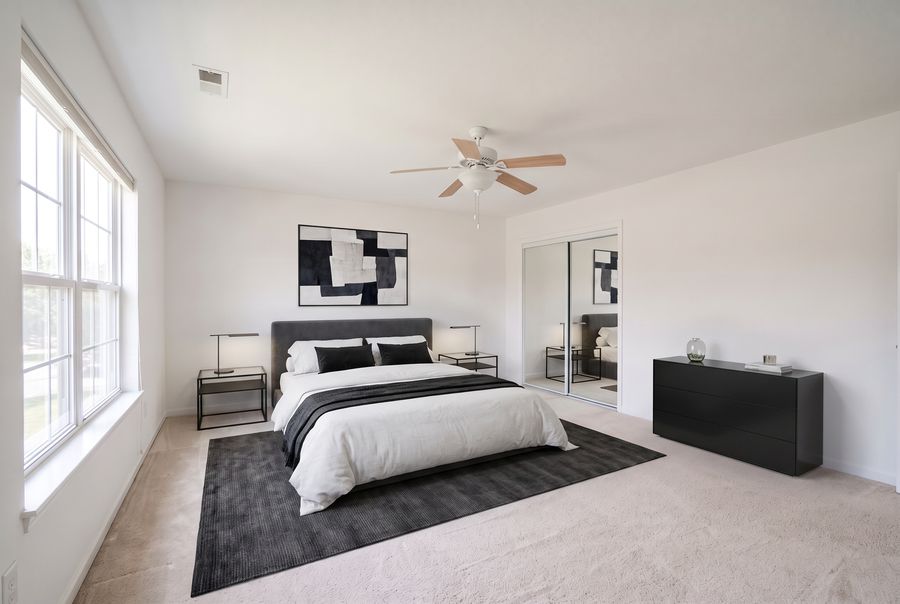
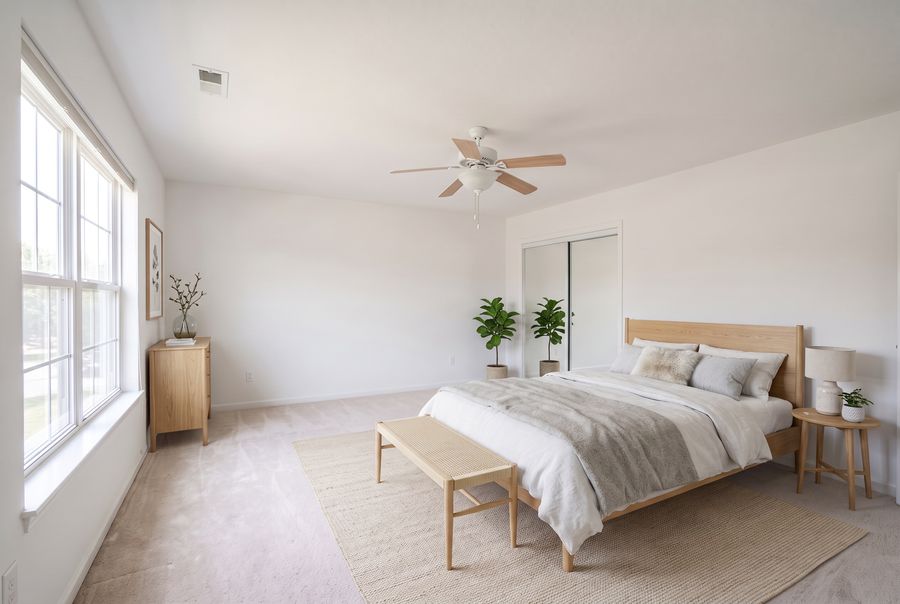
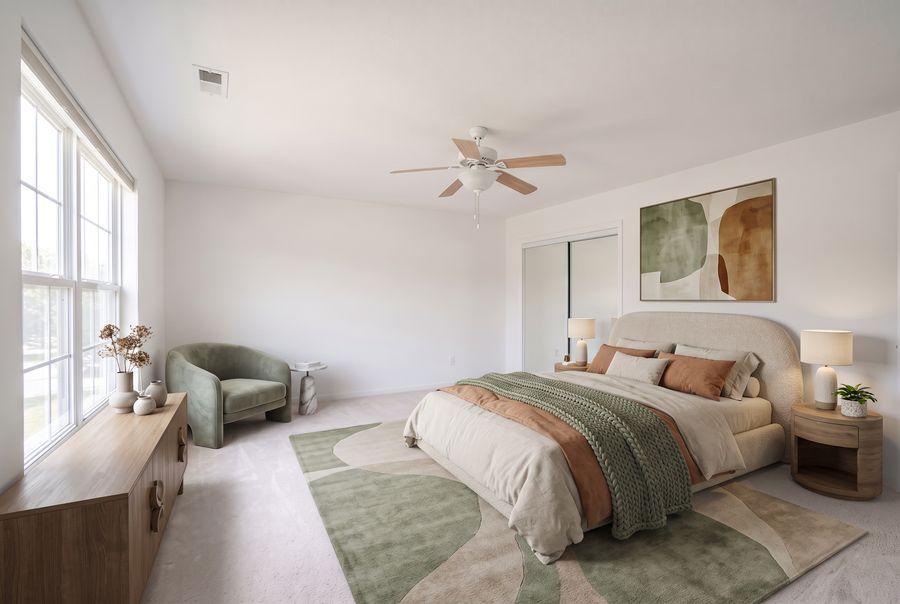
More on matching style to the home and price point is in our furniture style guide.
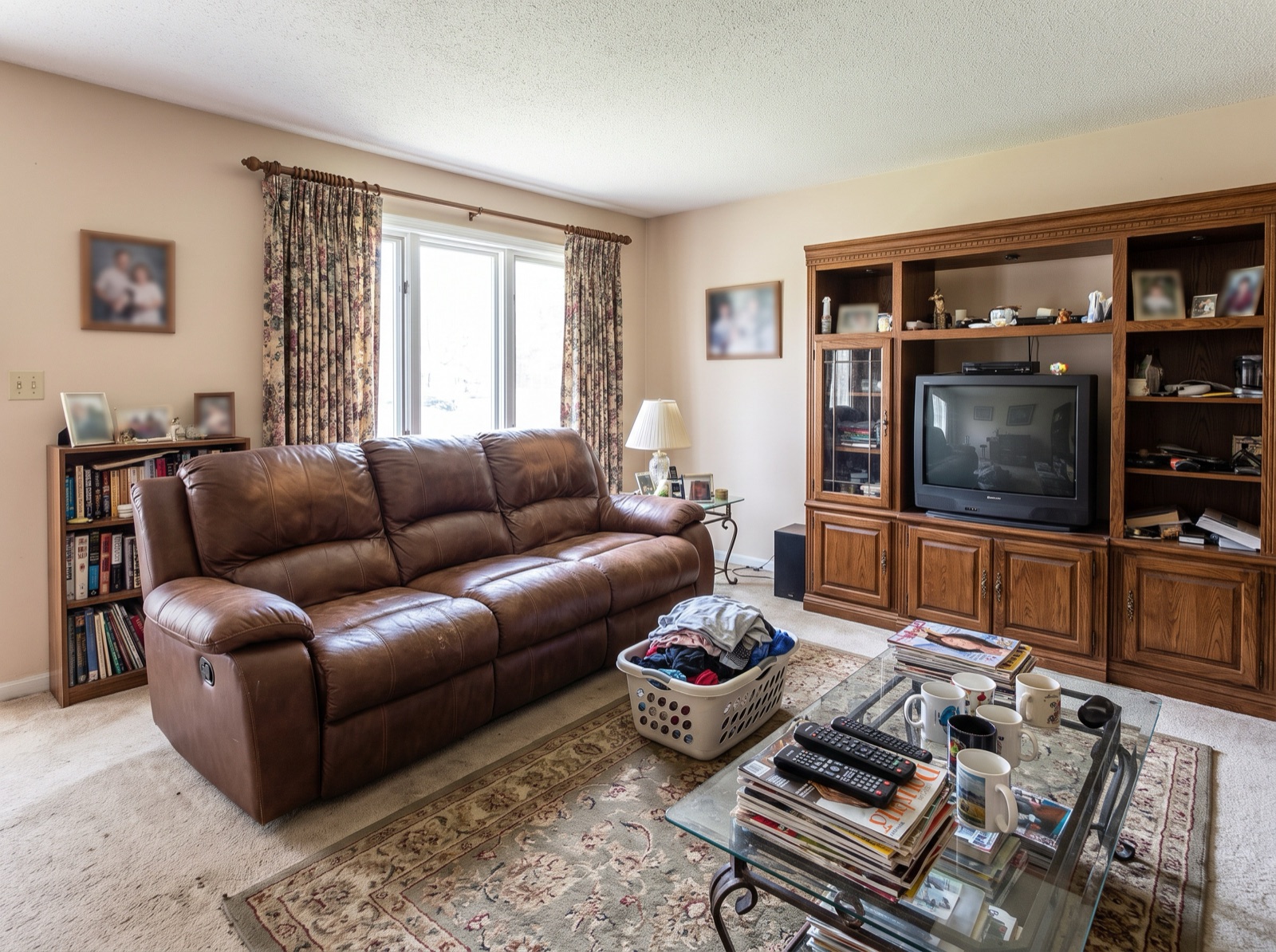
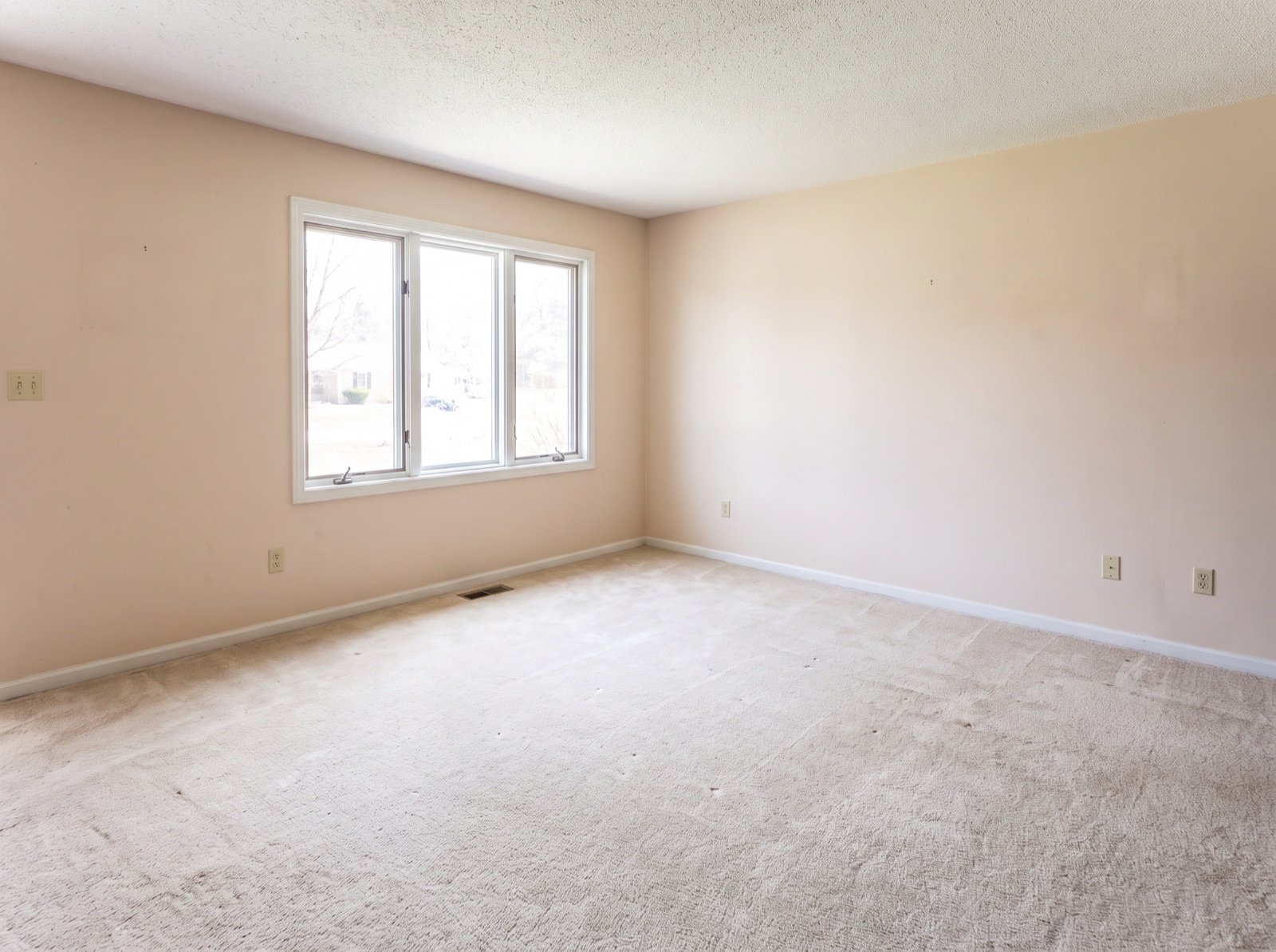
6. Occupied Living Room: Furniture Removed
Most homes are listed while someone still lives in them. When the furniture is dated or crowds the room, AI furniture removal clears it digitally so buyers see the room's real size.
7. Occupied Kitchen: Removed, Then Restaged
For rooms that look better furnished, remove the current furniture first and then stage the empty result in a new style. Kitchens are the hardest case because so much of the room is built in: cabinets, counters, and appliances must not change at all.
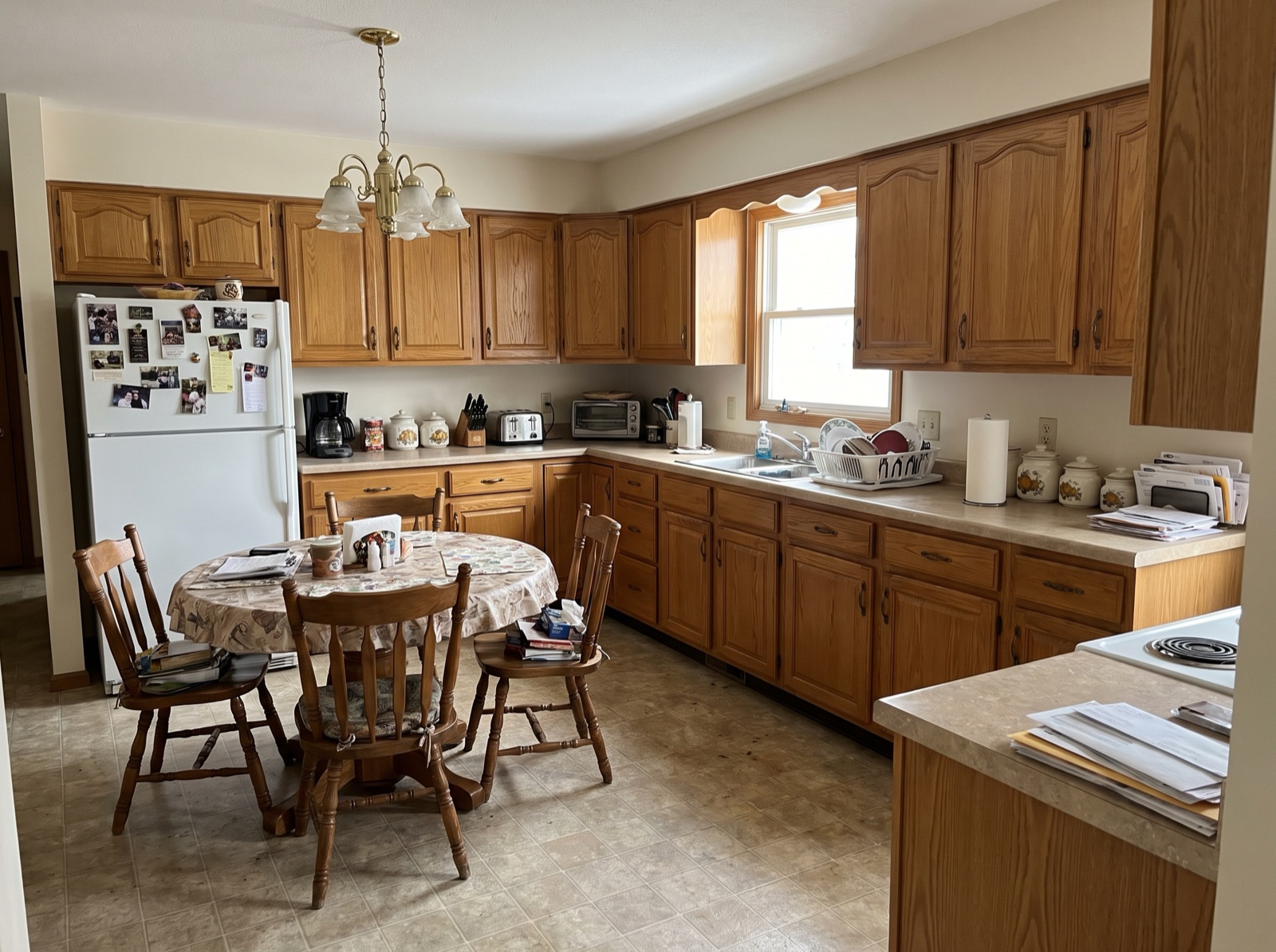
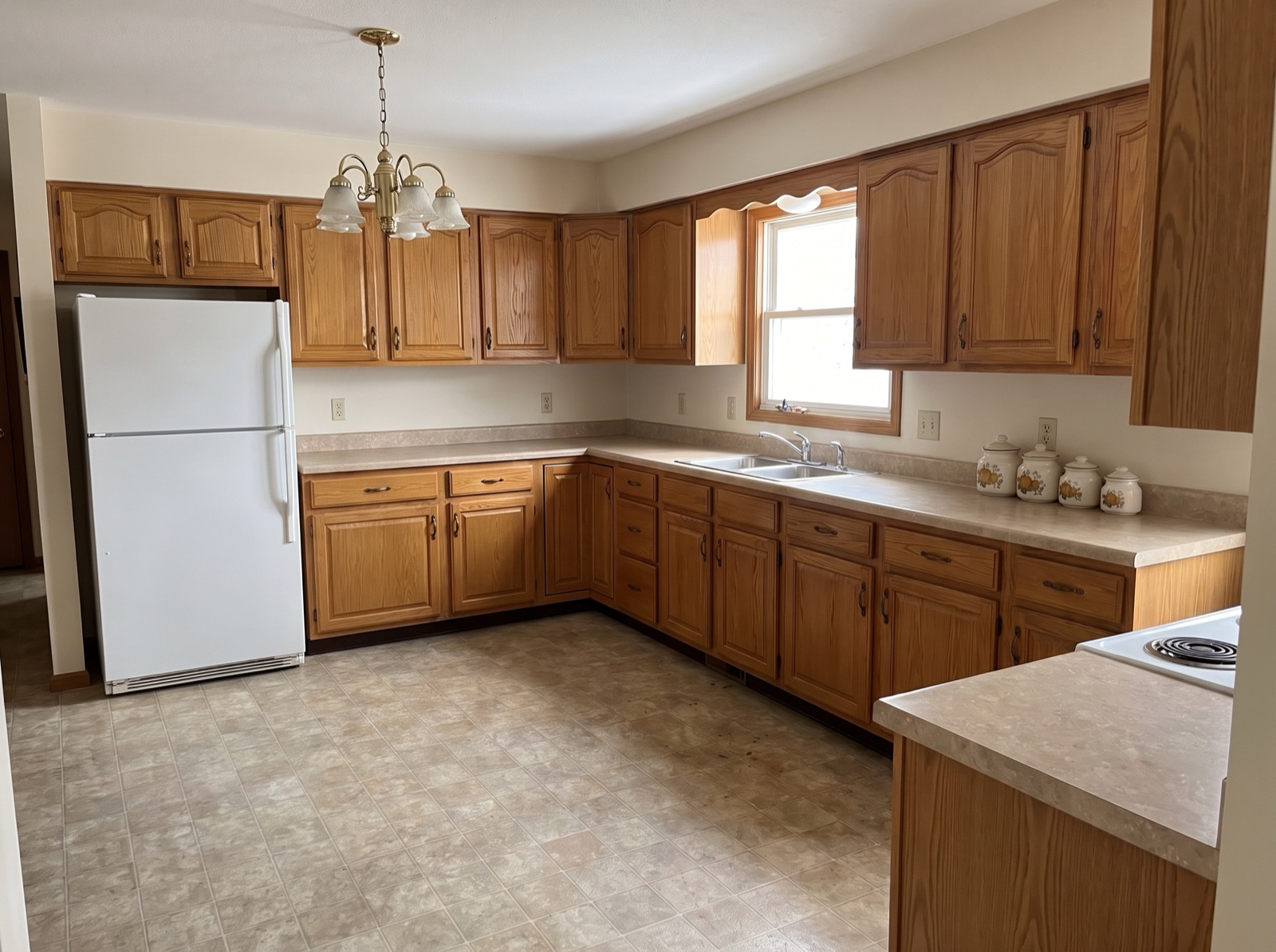
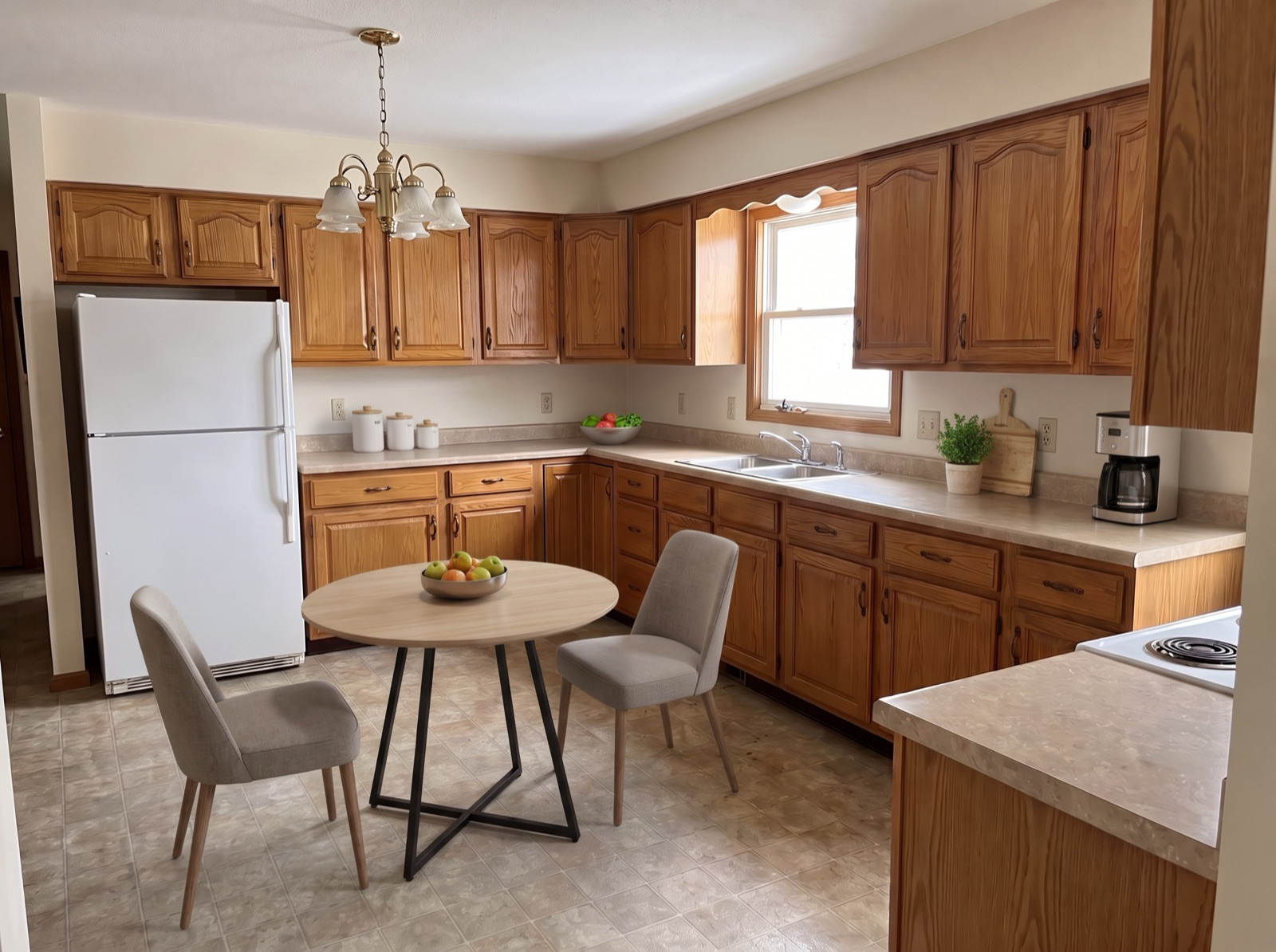
Our first restage of this kitchen added an island the room doesn't have, which would have misrepresented the home. Adding “do not add a kitchen island, cabinets, or counters” to the instructions fixed it. The full process is in our guide to staging an occupied home.
8. Changing One Item Without Restaging
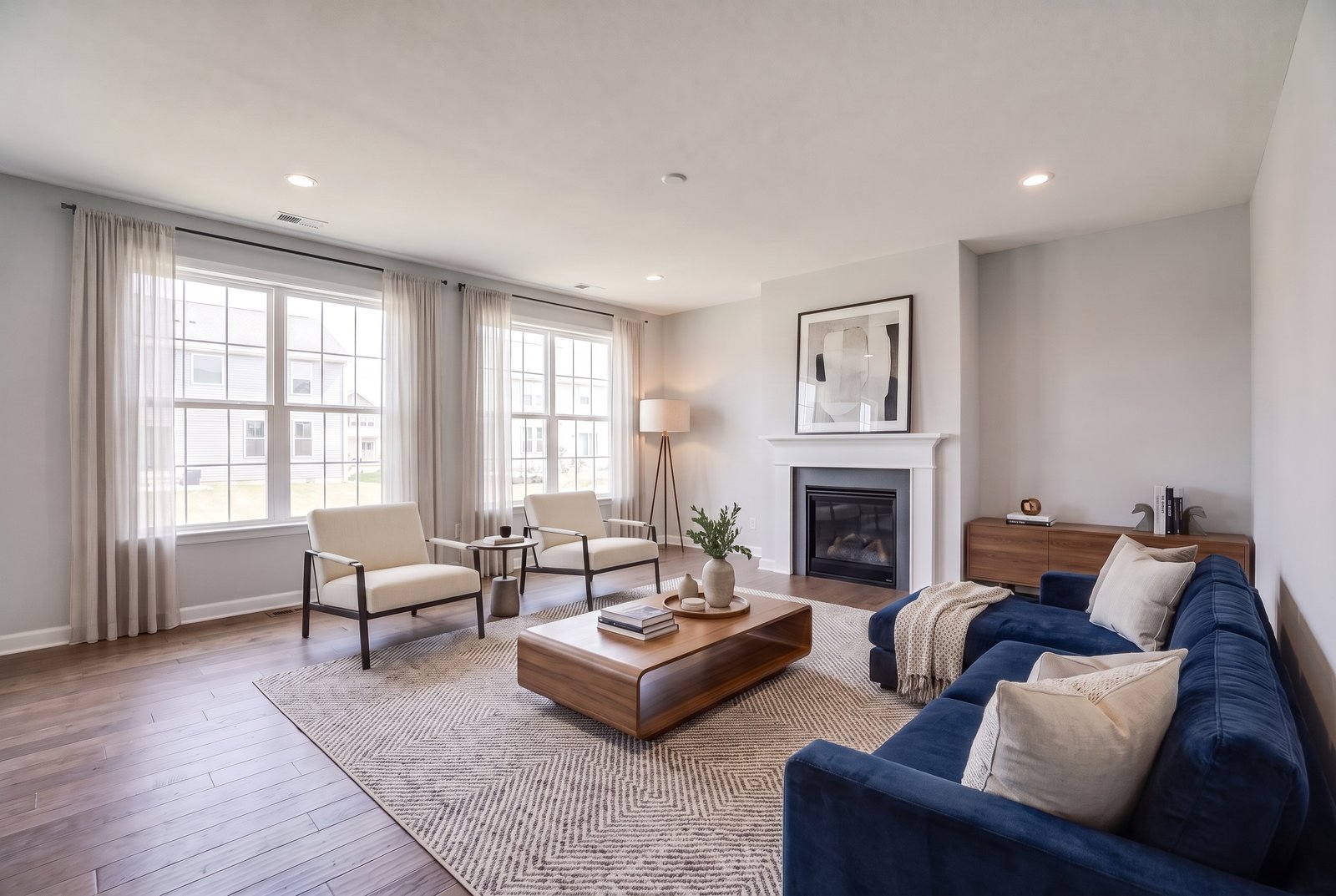
Sometimes a result is almost right. Instead of regenerating the whole room, you can describe one change and keep everything else. Here the instruction was simply “change the gray sofa to a deep navy blue velvet sofa.”
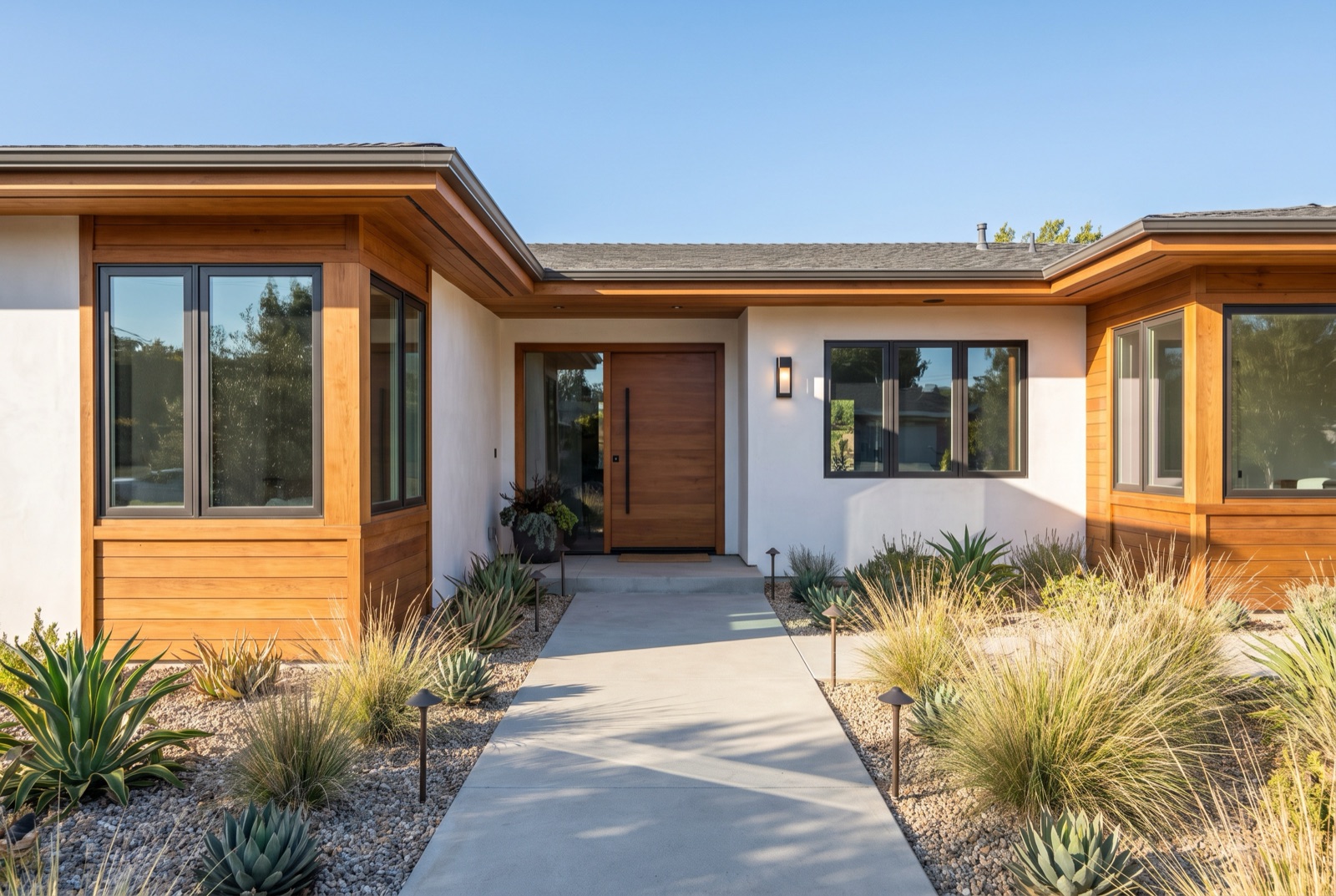
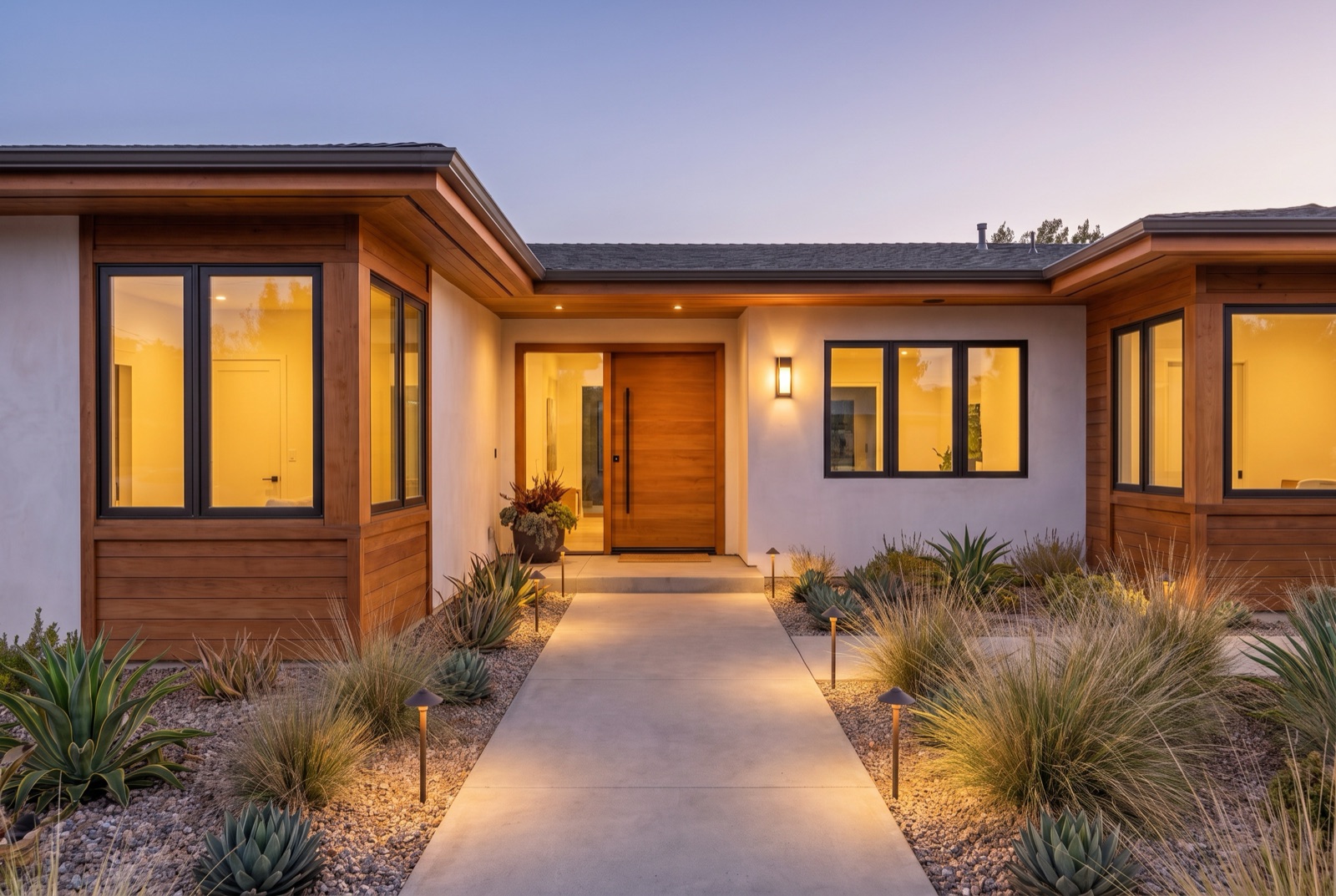
9. Daytime Exterior to Twilight
The front exterior is the photo buyers see first. A twilight version, with a dusk sky and warm light in the windows, stands out in a feed of daytime photos and is often used as the main listing image. The house itself should not change.
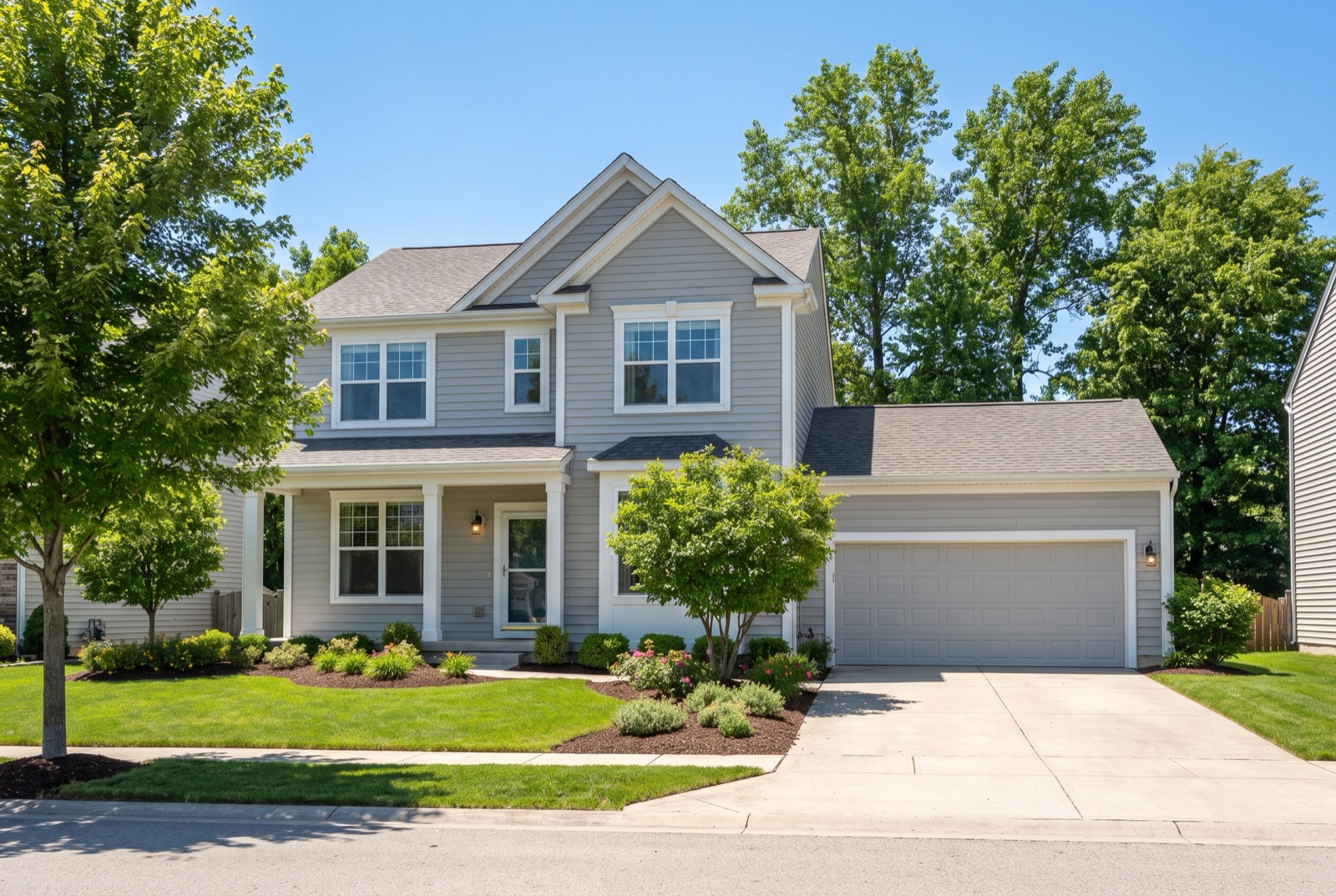
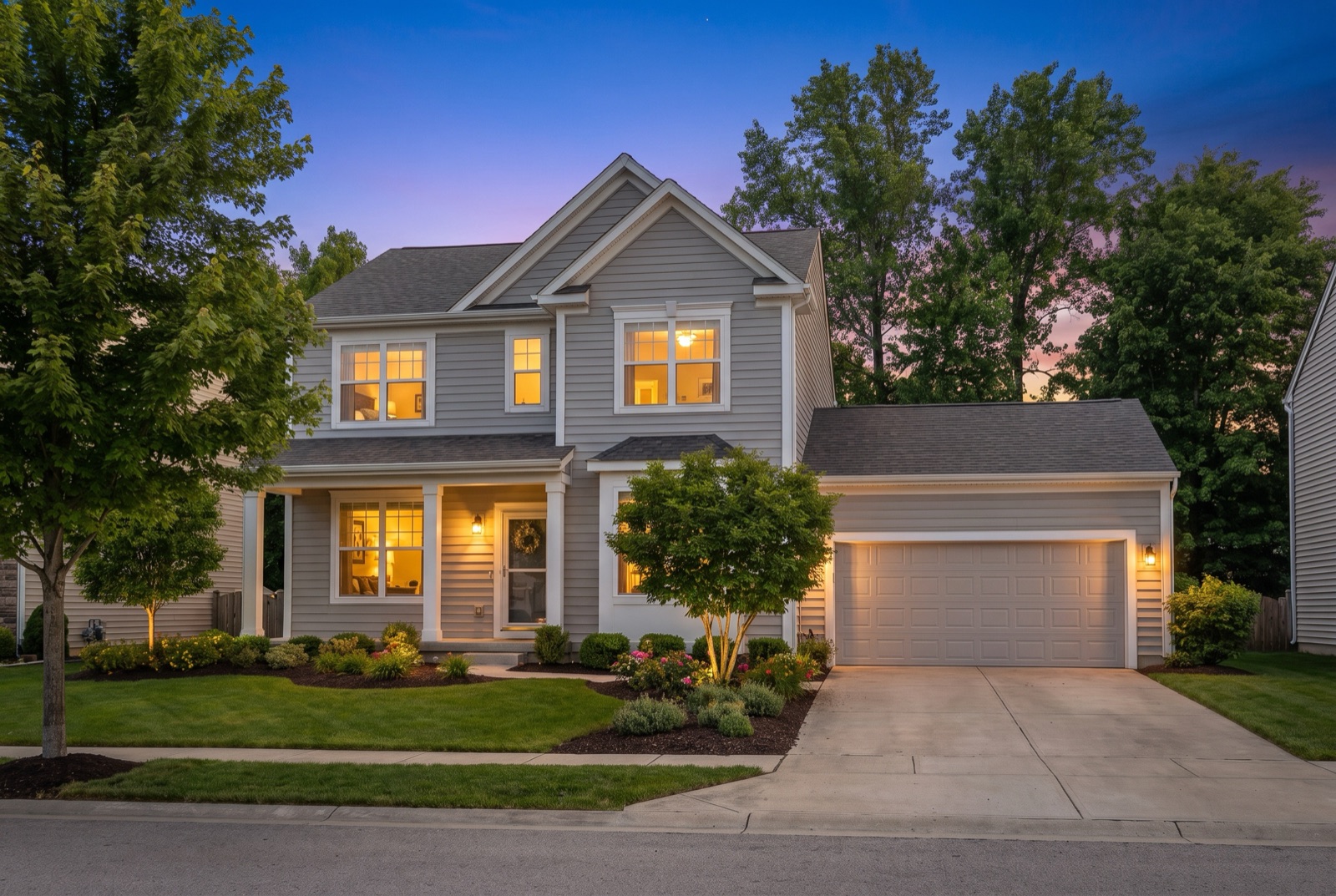
More on when twilight photos help is in our day-to-dusk guide.
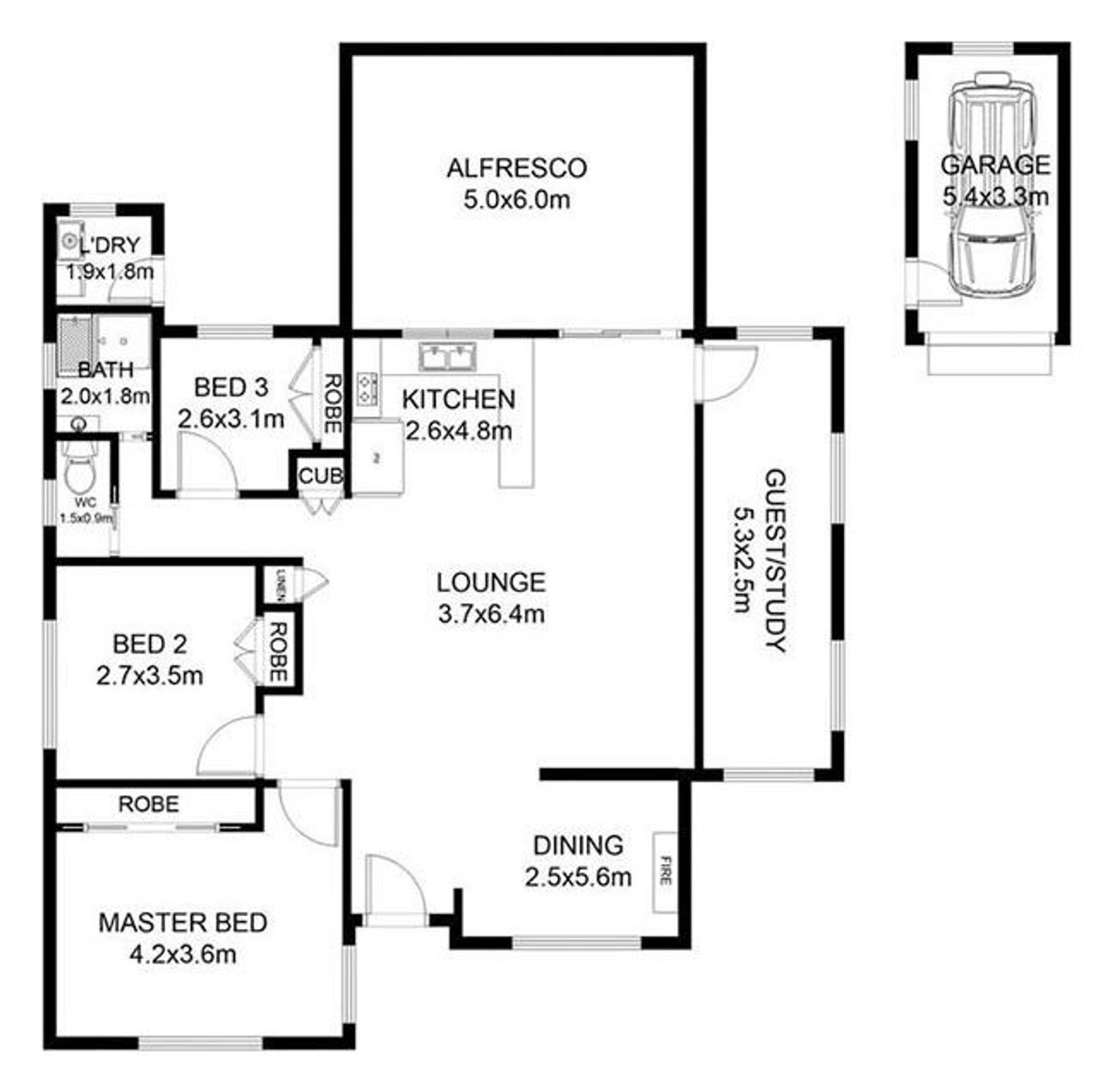
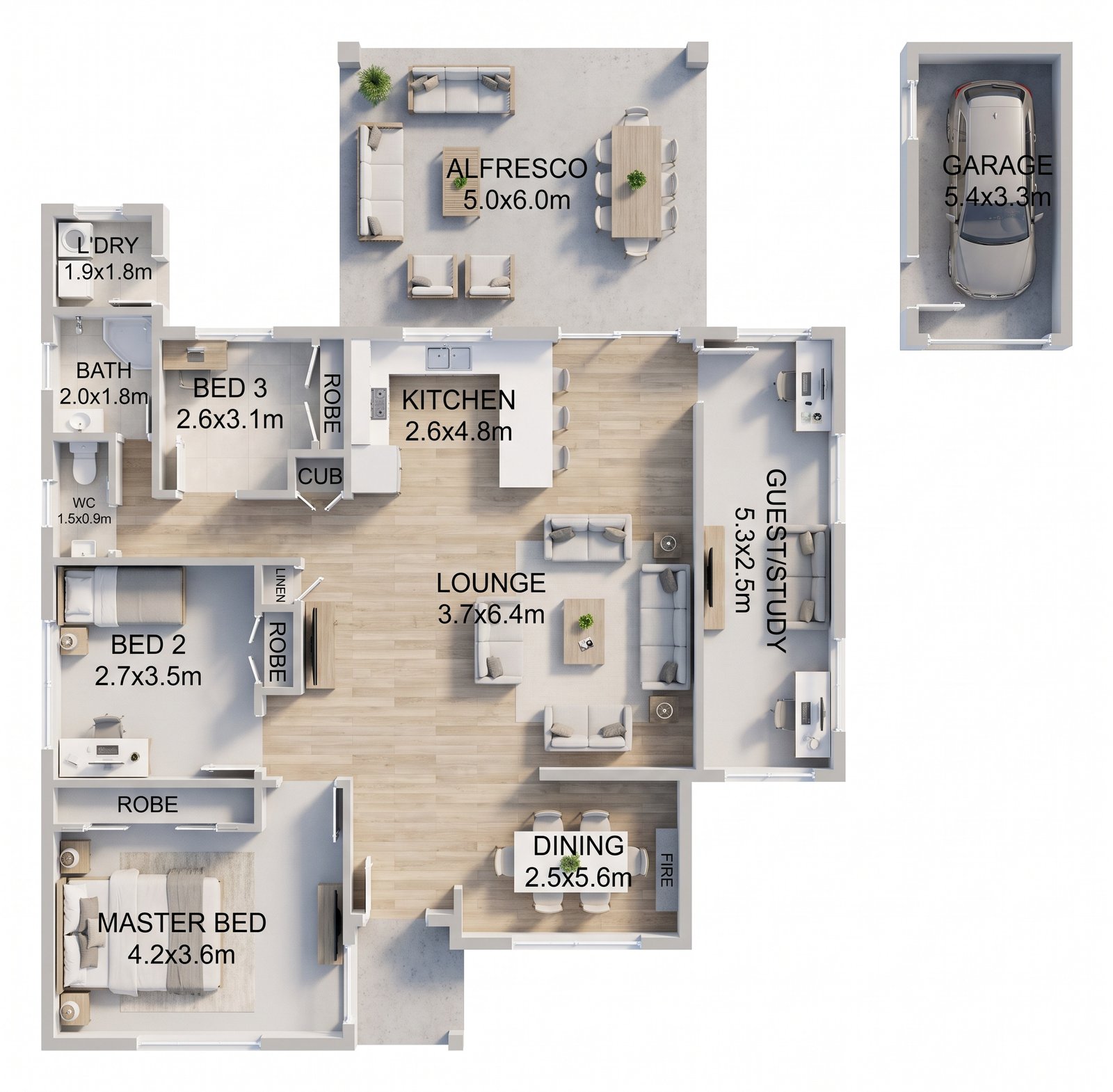
10. 2D Floor Plan to Furnished 3D Plan
Many buyers struggle to read a black-and-white floor plan. A furnished 3D version shows flow and scale immediately. The room names and sizes are redrawn from the original plan, so always check them against it before publishing.
What a Good Before and After Never Changes
Use this checklist on every staged photo before it goes into a listing. If any item fails, regenerate or edit the image rather than publishing it.
Camera and room changes are the most common AI mistake, so AI Virtual Staging checks every staged result against your original photo. If the camera moved or a window, door, or closet changed, it regenerates once automatically at no extra cost and keeps the result that matches your room best. It's still worth a quick look yourself before publishing.
Why Before and After Photos Work
Staging works because buyers struggle to imagine an empty space. In the National Association of REALTORS® 2025 Profile of Home Staging, 83% of buyers' agents said staging makes it easier for a buyer to visualize the property as their future home. Showing the before and after together goes a step further: it proves the room is real and shows exactly what was added.
Before-and-after pairs also make strong social posts and listing presentations. Sellers see what their empty home could look like, and buyers can trust the photos because the original is right there.
Label Every Staged Photo
Virtual staging is legal and widely used, but it must be disclosed. Add a “Virtually Staged” label to each edited photo, keep the originals, and mention the staging in your listing remarks. In California, AB 723 requires a disclosure on digitally altered listing photos and access to the unaltered original. Our guide to virtual staging rules and disclosure templates cover the wording.
What Each Edit Costs
Every tool uses the same credits. A credit costs $0.99–$1.90 depending on the pack, with no subscription, and 4K output uses two credits instead of one.
| Edit | Cost at 2K | Typical use |
|---|---|---|
| Stage an empty room | 1 credit | Living room, bedroom, dining room, office |
| Remove furniture | 1 credit | Occupied or cluttered rooms |
| Remove and restage | 2 credits | Dated furniture you want to replace |
| Edit one item | 1 credit | Change a sofa color, remove a plant |
| Day to dusk | 1 credit | Front exterior hero photo |
| 2D to 3D floor plan | 1 credit | Listing floor plan |
Staging the four rooms buyers look at most (living room, kitchen, primary bedroom, and dining room) costs about $4–$8. Our guide on how many rooms to stage helps you decide where it pays off.
Make Your Own Before and After
The best results start with a good photo: shot from a corner at chest height, with lights on and blinds open, and the room as empty as possible. Our photo guide has the details, and the step-by-step staging guide walks through the tool. Your first image is free, so try it on a room from your current listing and compare the result with the original.